
MYSTYLE
A Gen-Z digital wardrobe and personal stylist. Pure design thinking, zero code.
The Problem Space
E-commerce fashion apps often suffer from "decision paralysis." Users spend hours scrolling but abandon their carts because they can't visualize how items pair together or fit their specific body type.
MyStyle was conceived as a solution to this. The core hypothesis was: if an app could act as a personal stylist—curating full outfits based on user-defined style profiles rather than just listing individual garments—conversion rates would increase.
However, a wardrobe app can get complicated fast — filters, categories, outfit builder, recommendations. The challenge was keeping the core flow under 3 taps for the most common actions without hiding advanced features.
Phase 01 / Discovery
Research &
Personas
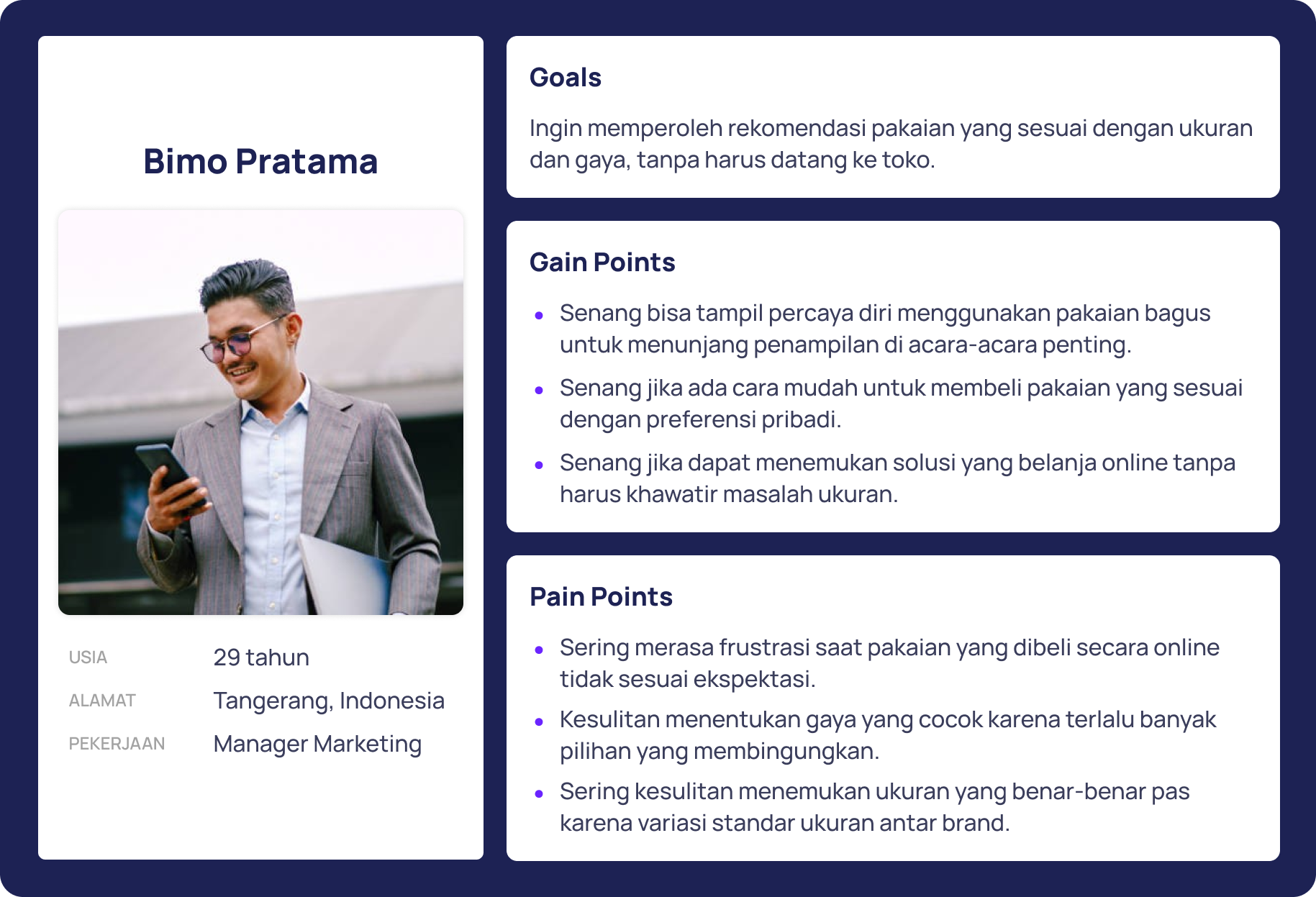
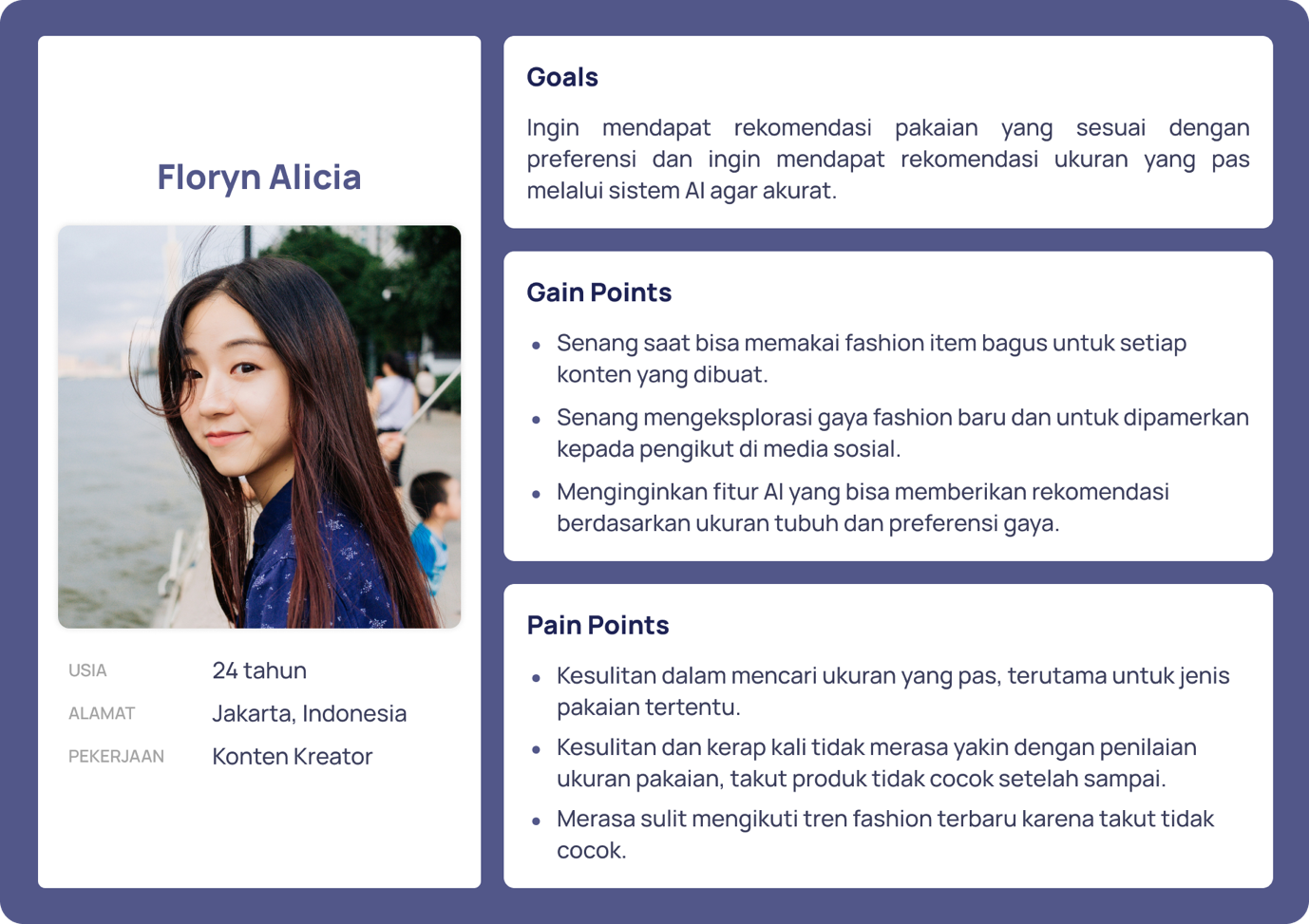
I started by conducting in-depth user interviews alongside a competitive analysis of existing solutions to understand the friction points of digital wardrobe management.
From this data, I defined primary personas to anchor my design process. The personas helped me understand the contrasting needs of "daily dressers" versus "special occasion planners."
Phase 02 / Mapping
The User Journey
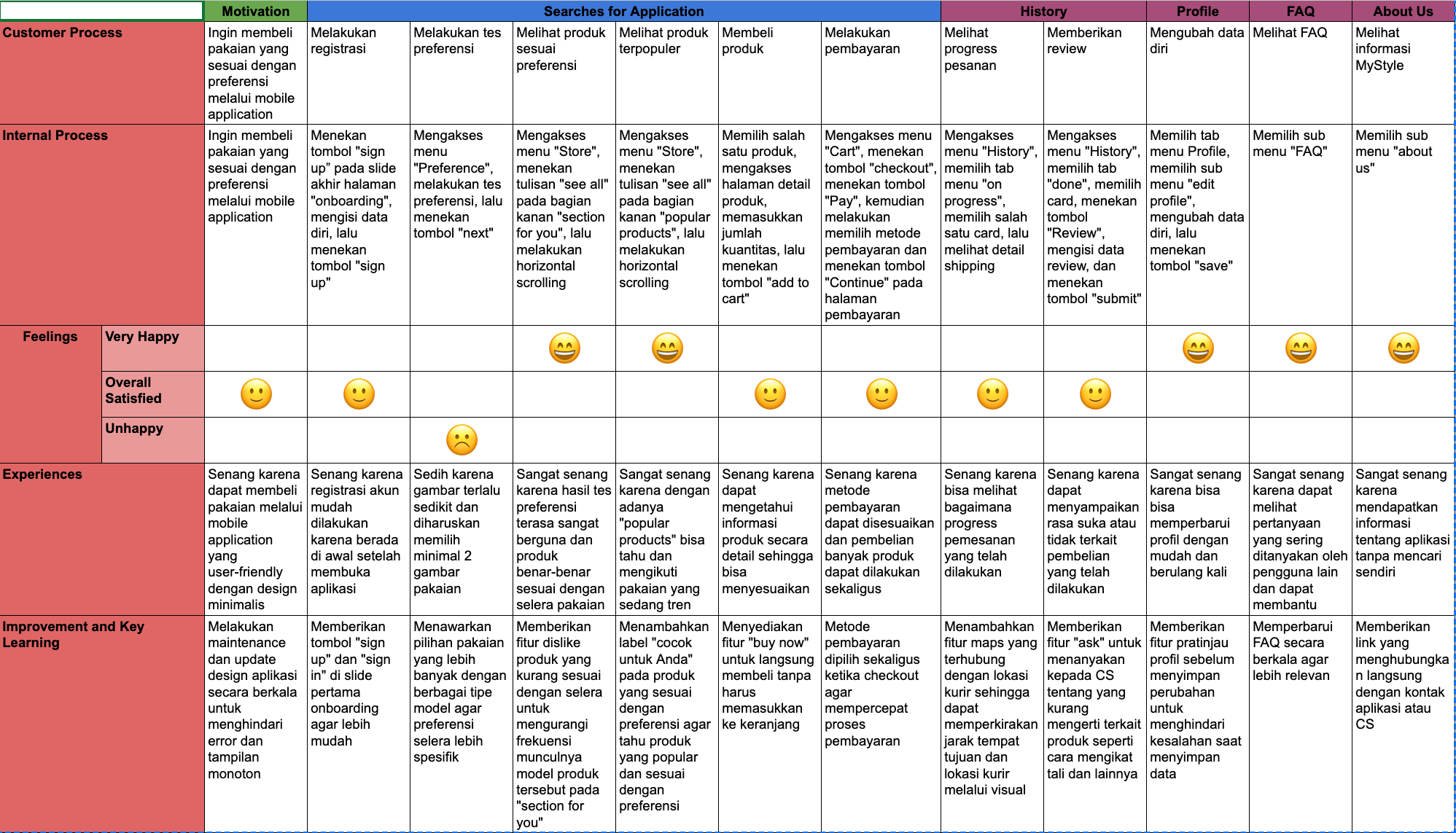
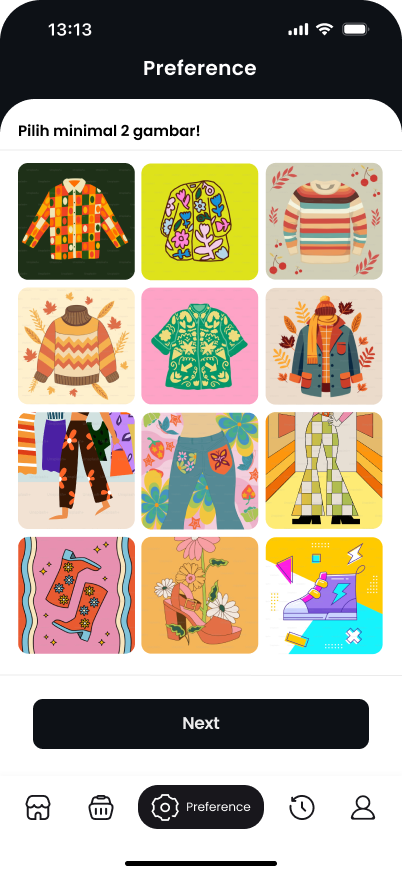
Before moving to wireframes, I mapped out the entire user journey to ensure the onboarding flow felt like a fun quiz rather than a tedious data-entry form. This was critical to reducing friction when collecting body type and style preferences.
Phase 03 / Architecture
Task Flow &
Nav Map
Before sketching screens, I defined the strict logical paths a user would take. This task flow and navigation map ensured that the core outfit-building loop remained under 3 taps.
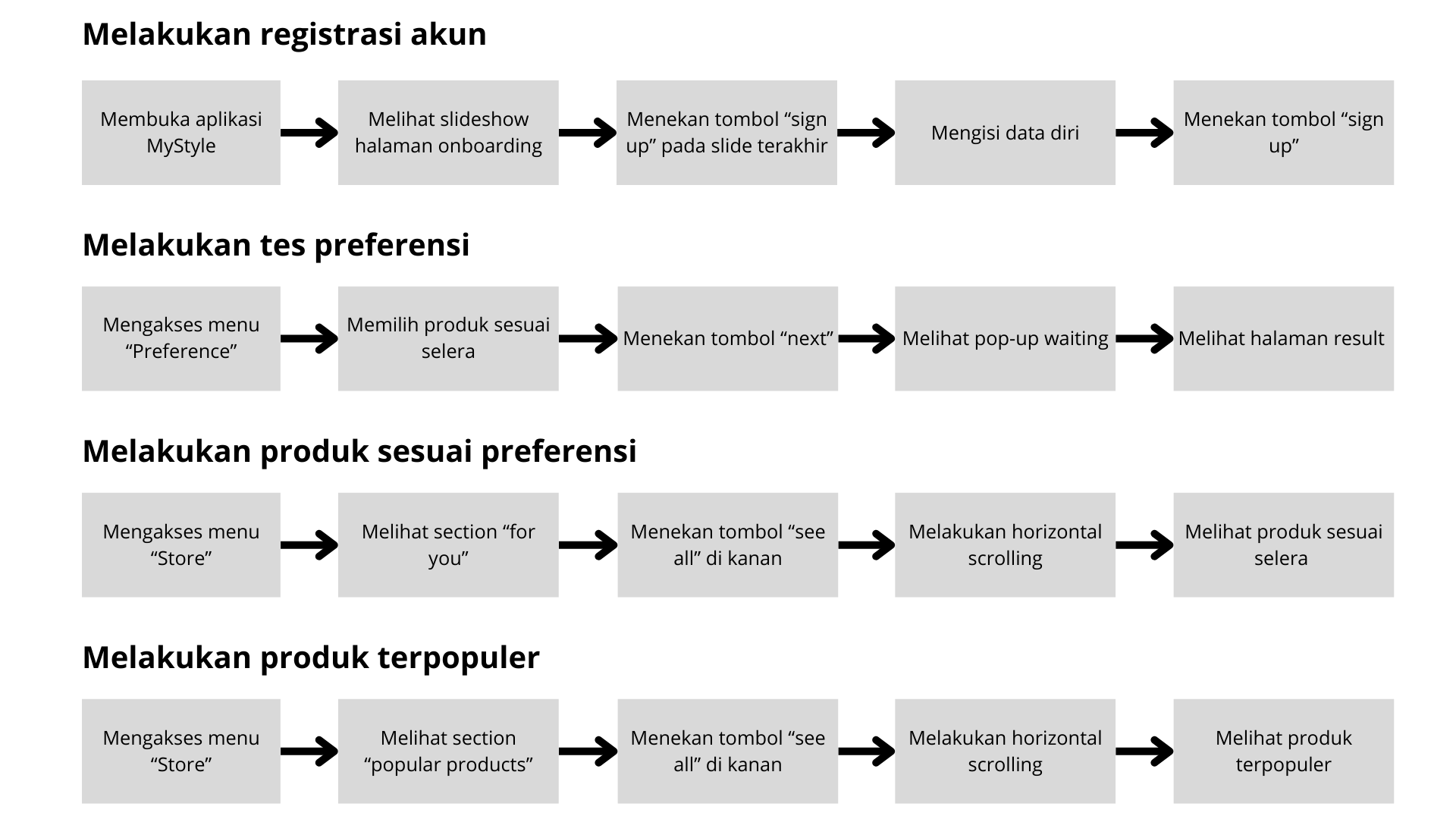
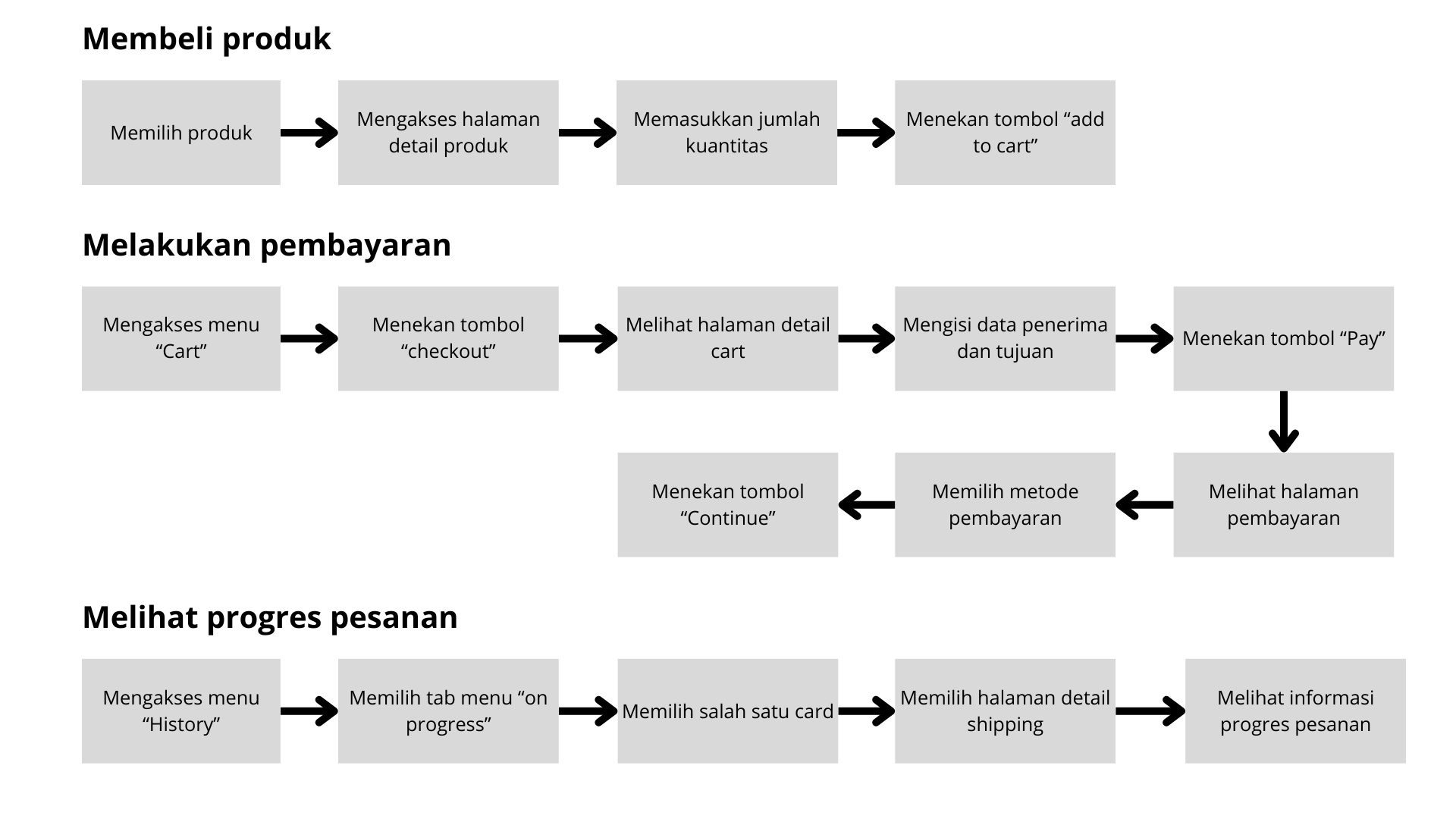
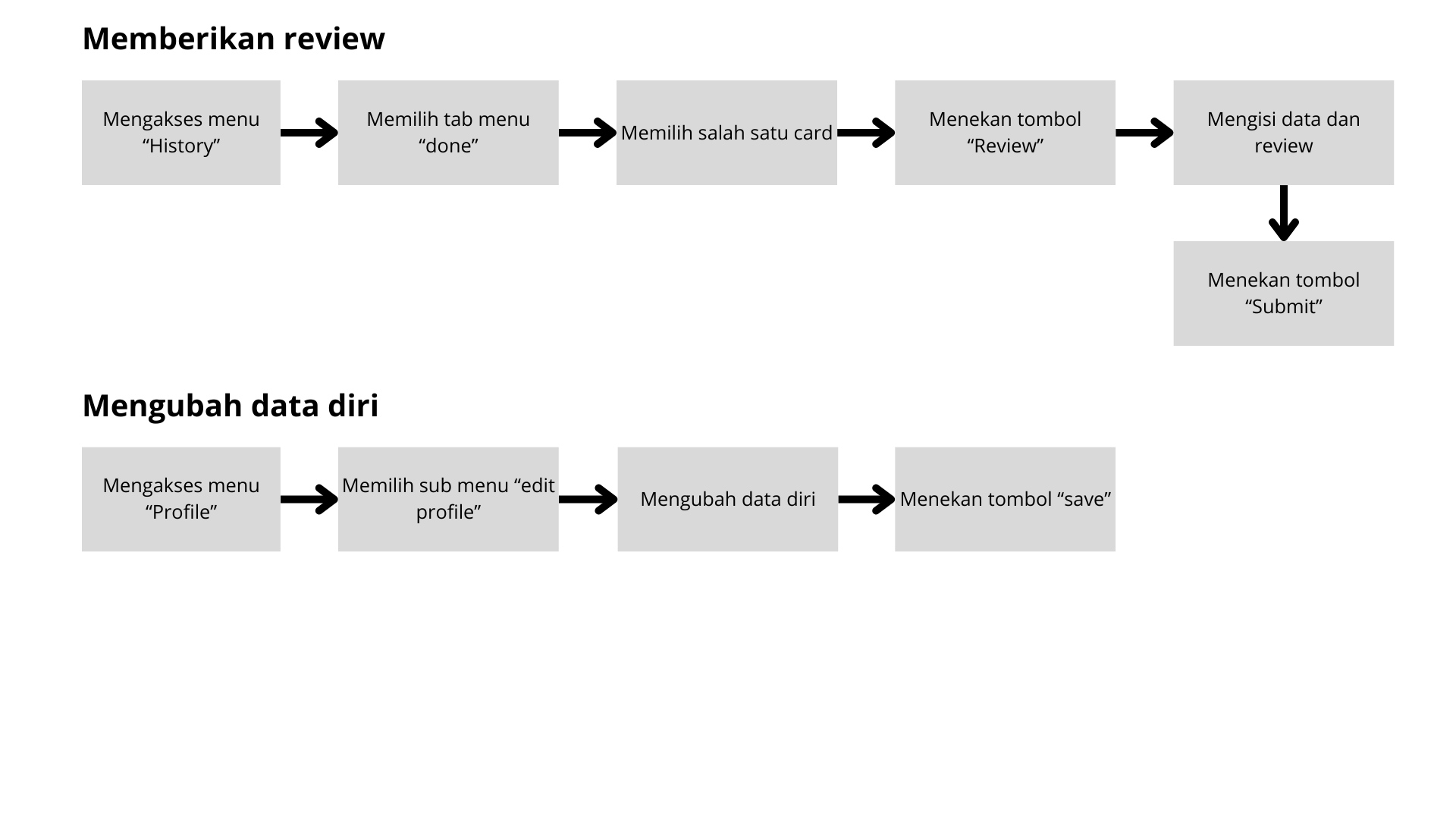
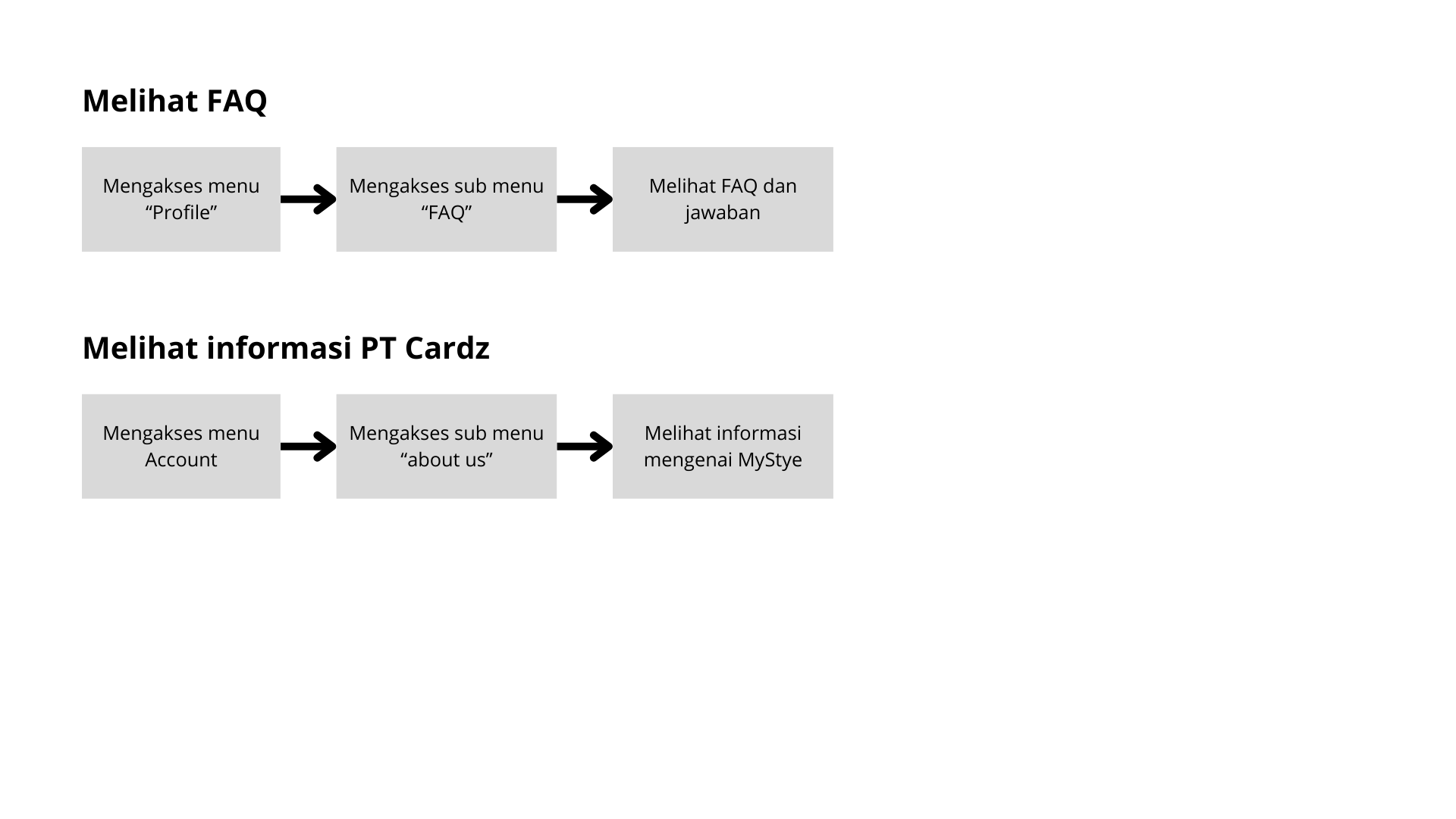
Core Task Flows (4 Paths)
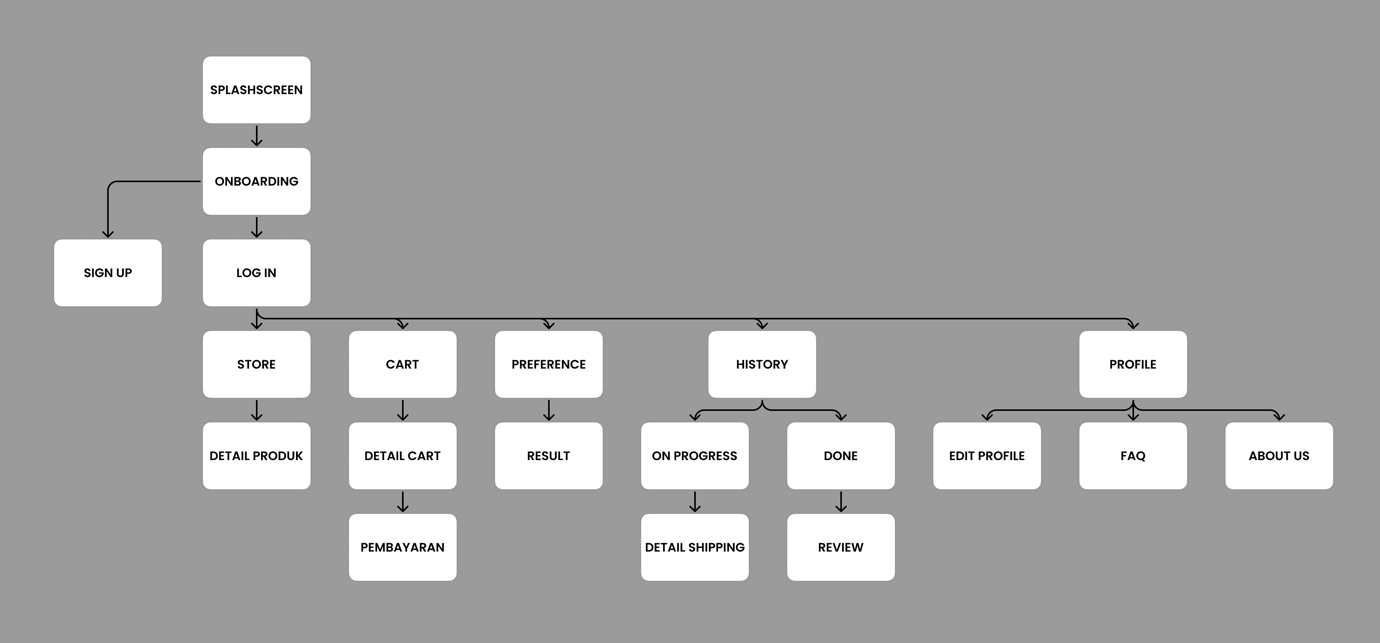
App Navigation Map
Phase 04 / Wireframing
Individual
Screens
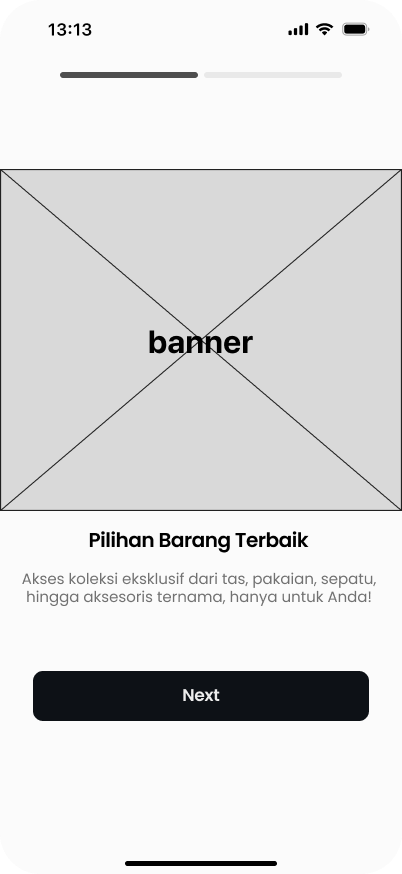
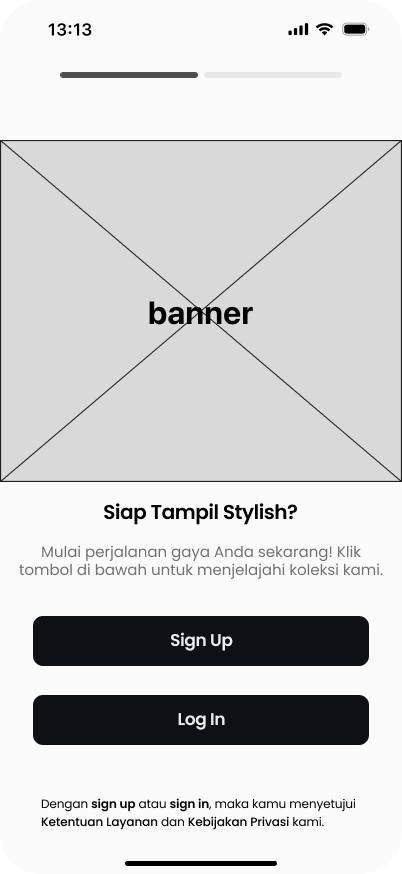
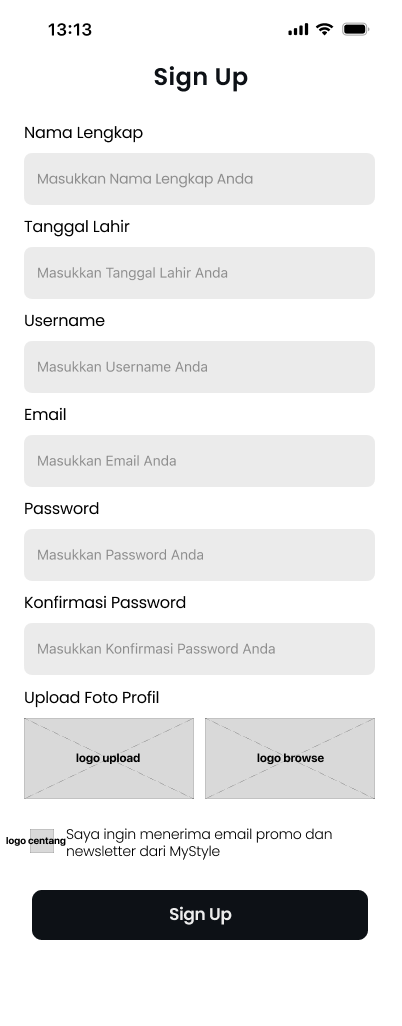
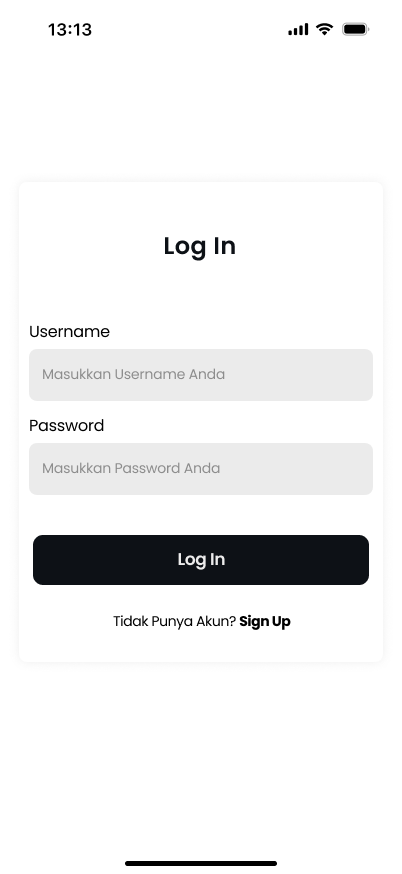
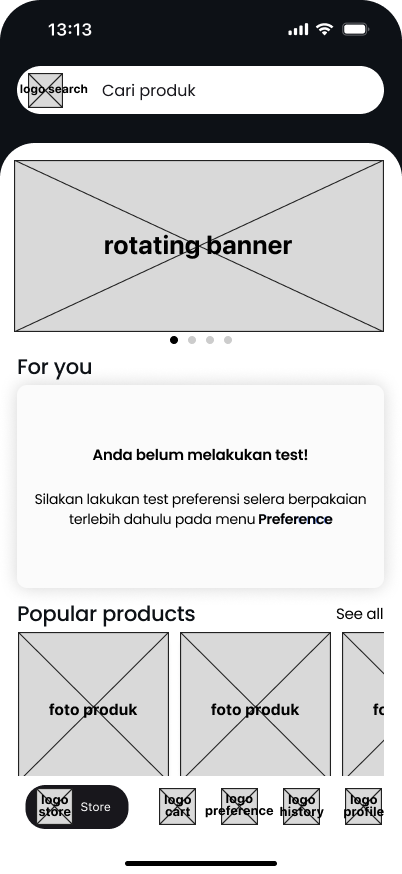
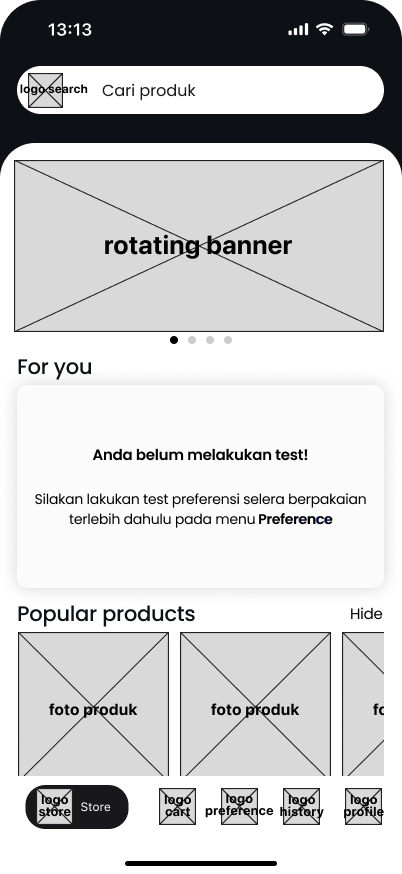
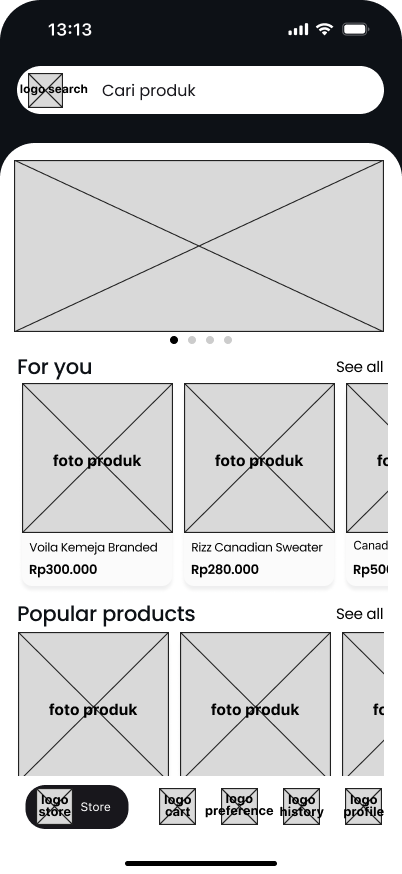
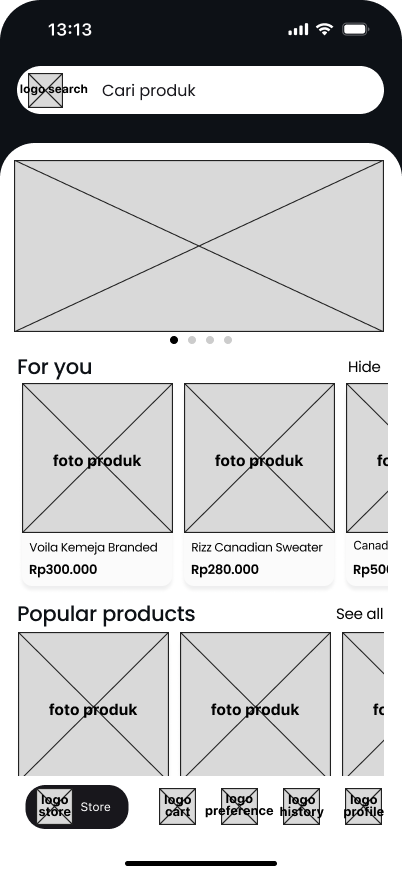
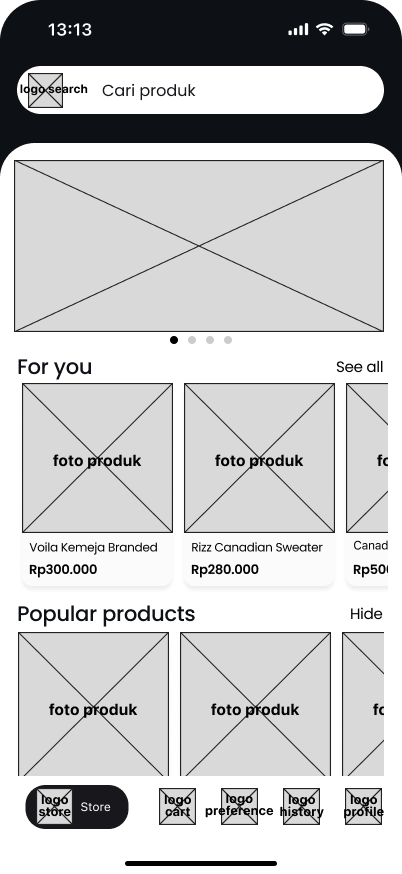
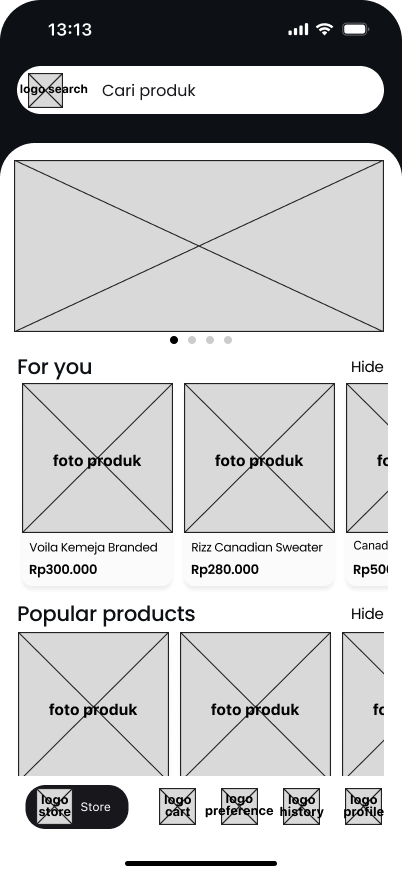
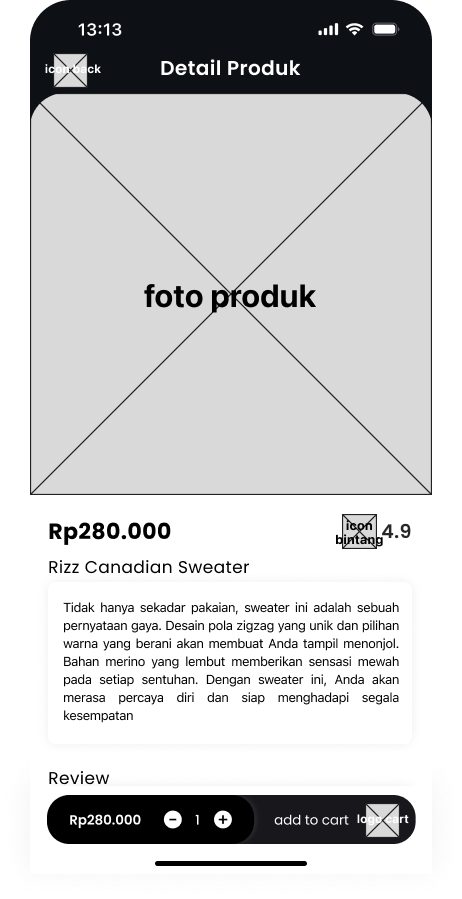
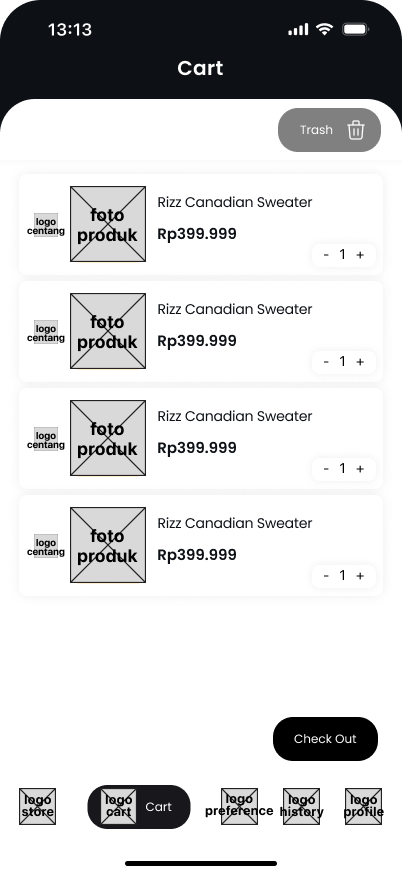
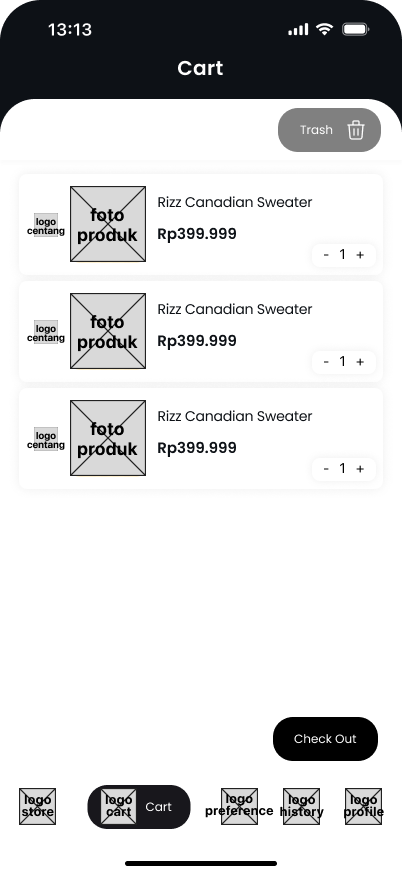
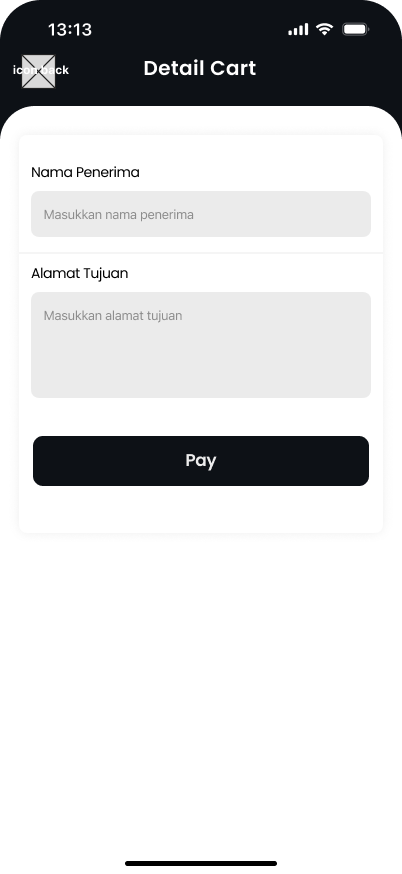
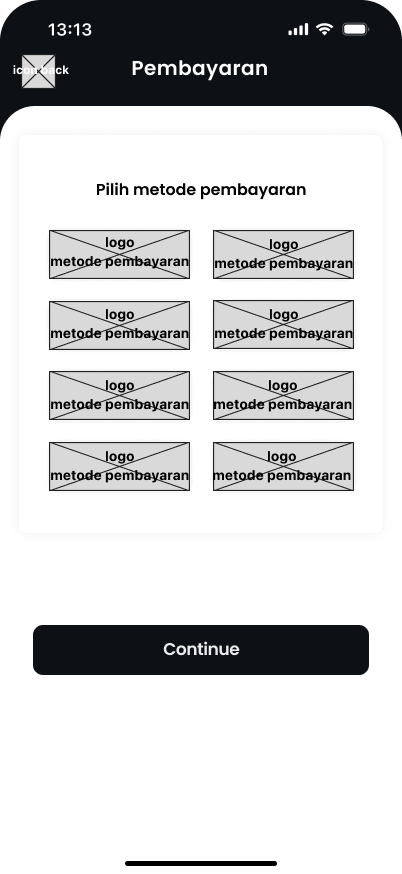
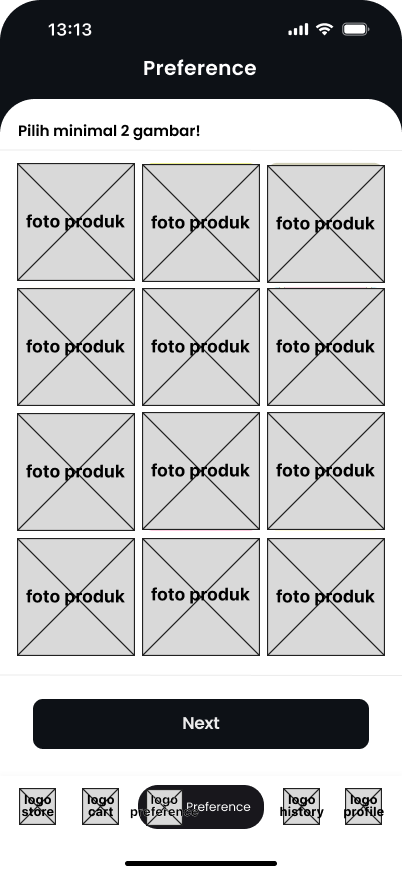
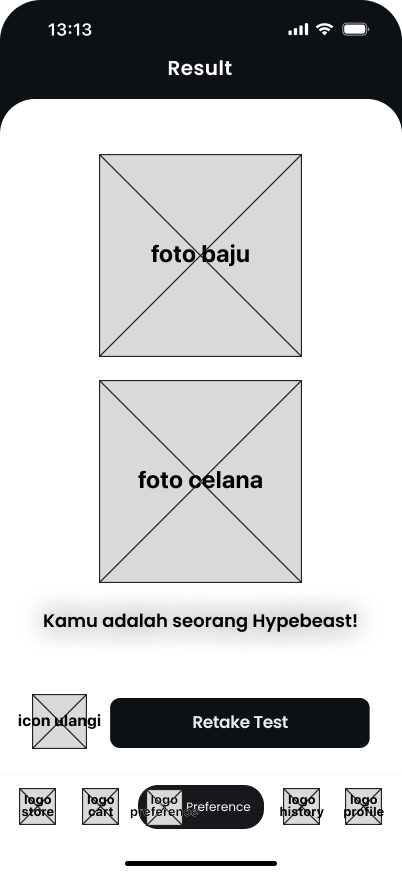
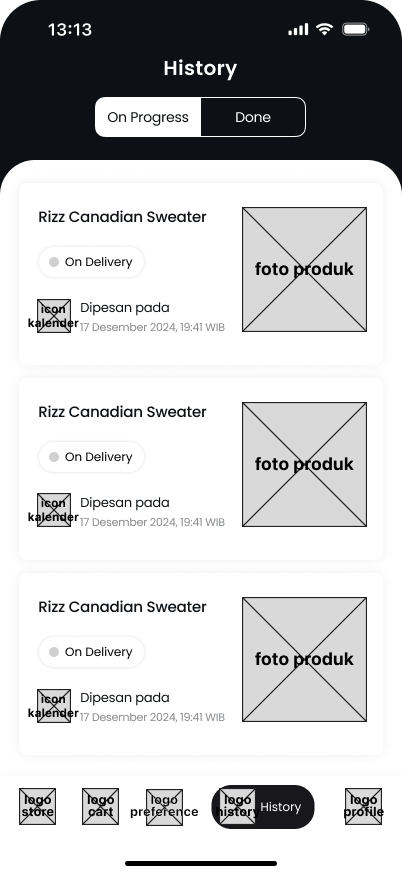
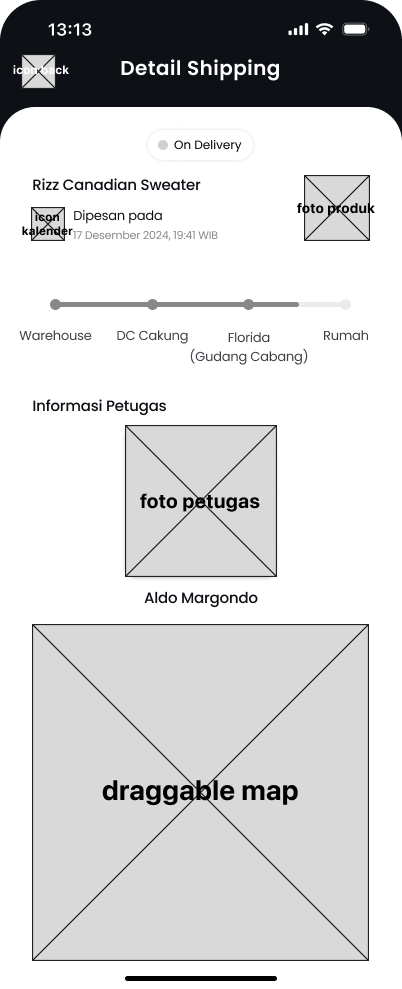
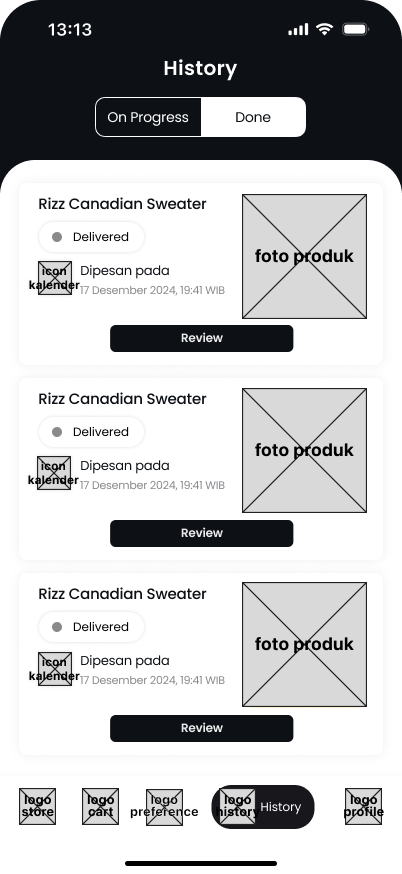
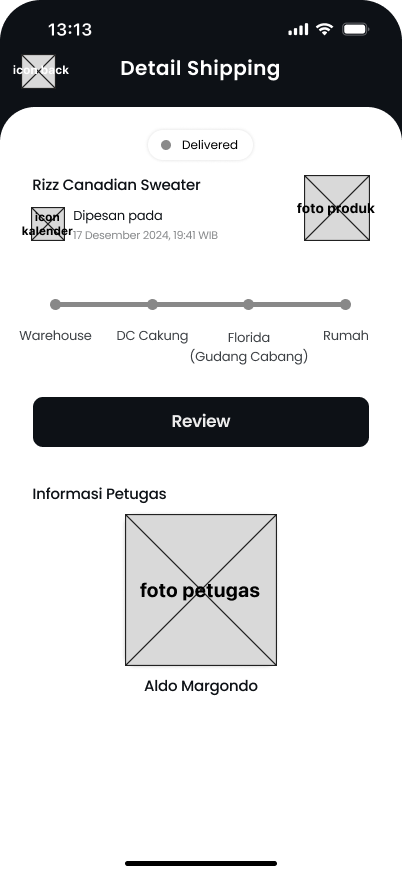
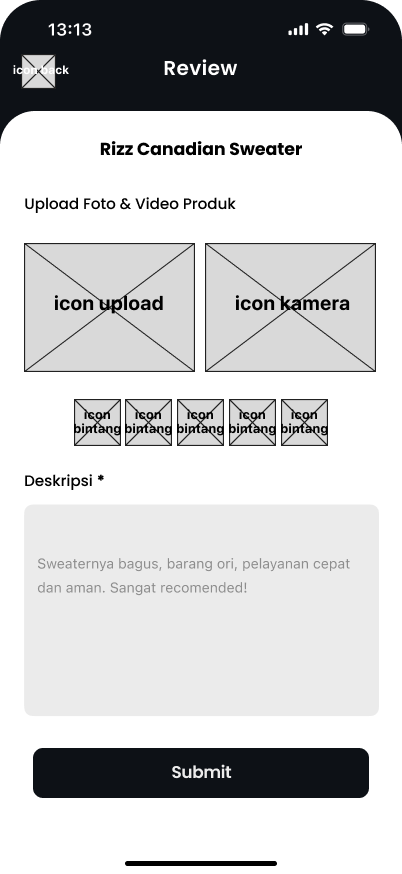
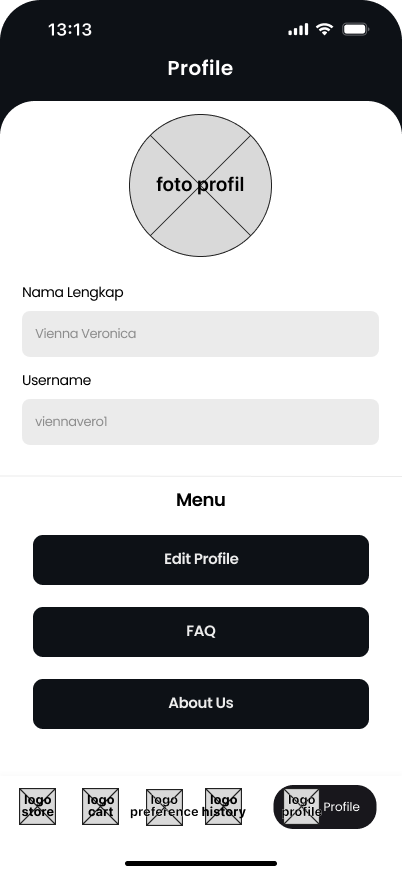
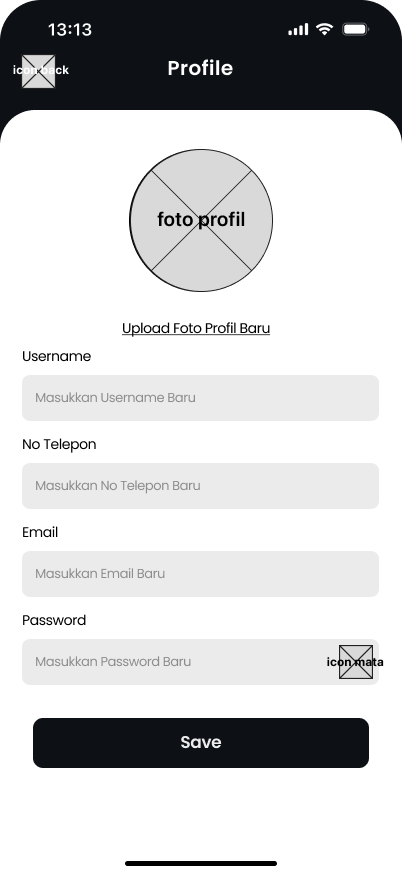
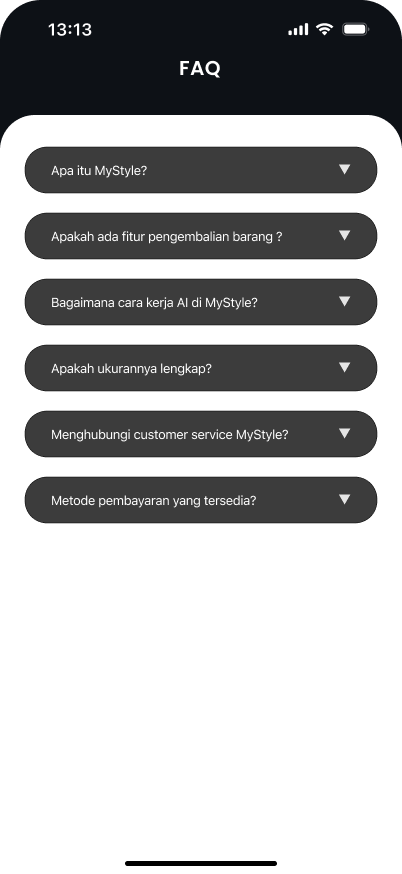
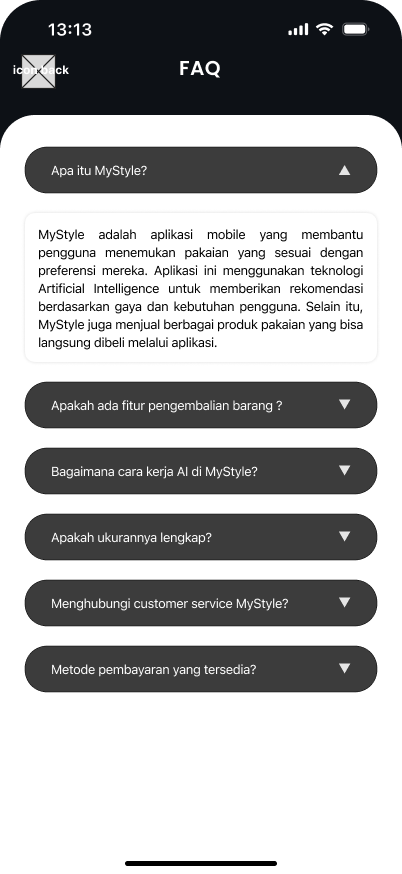
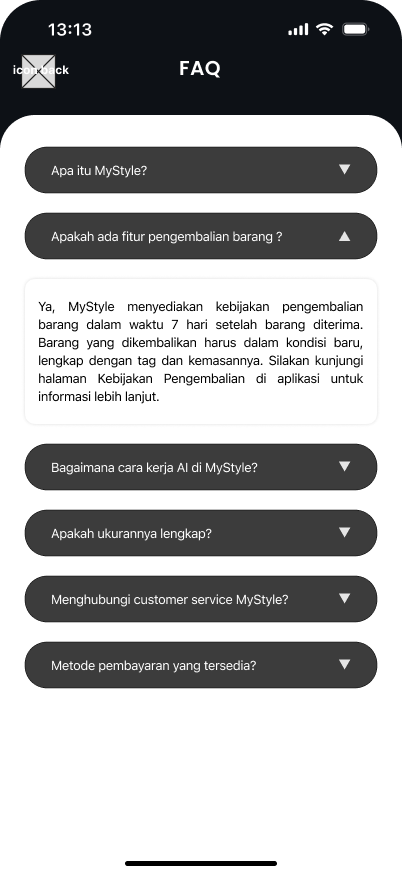
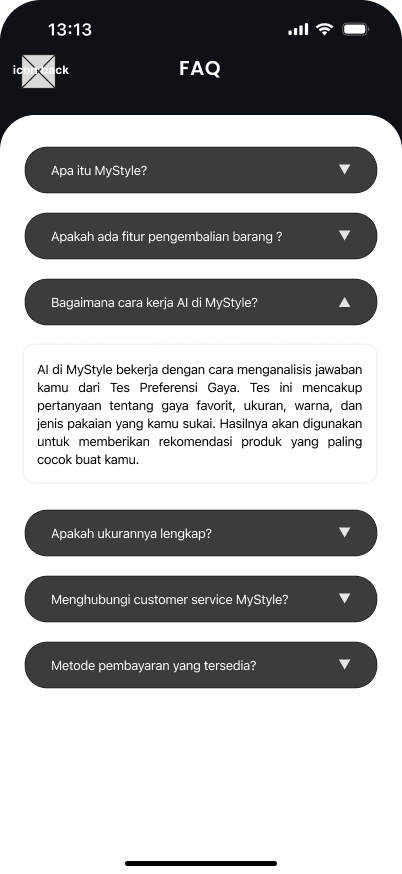
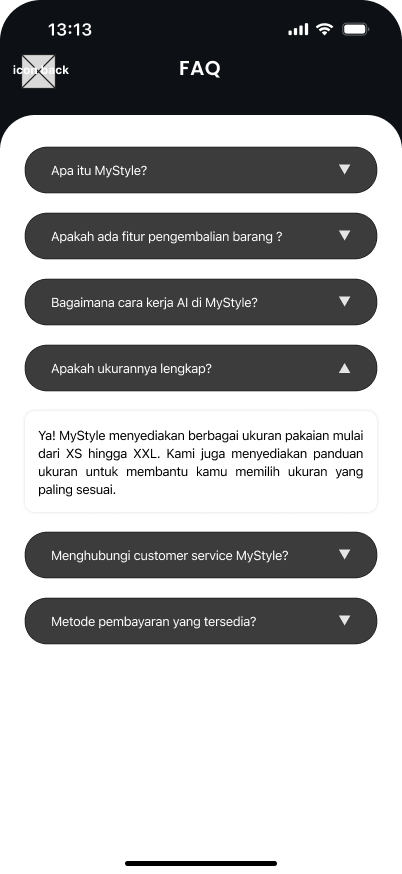
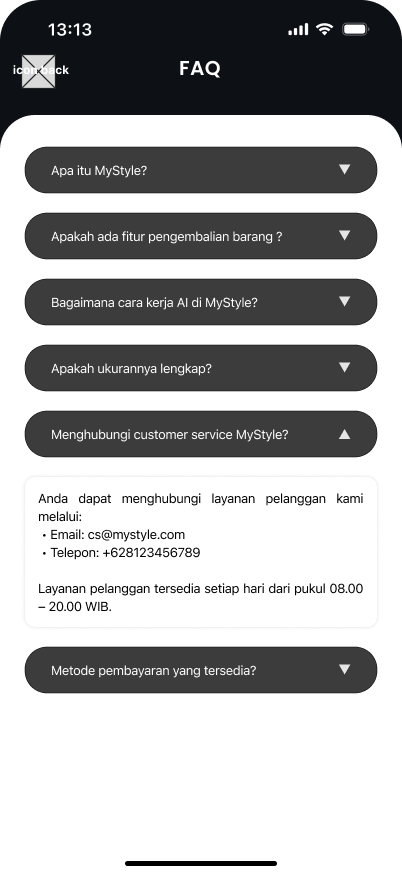
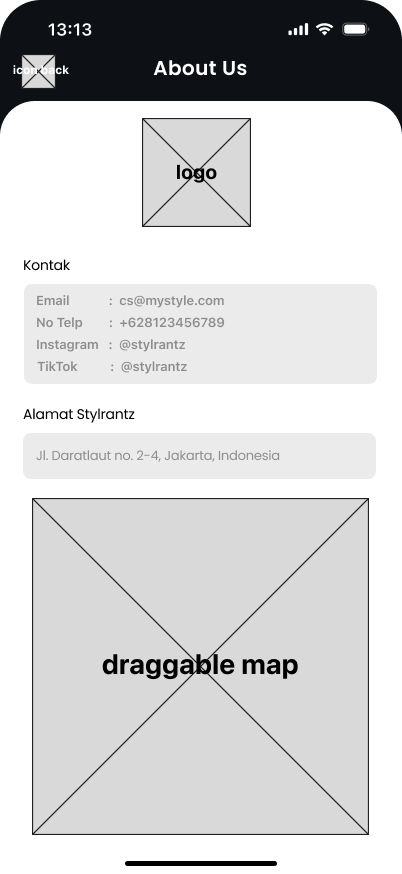
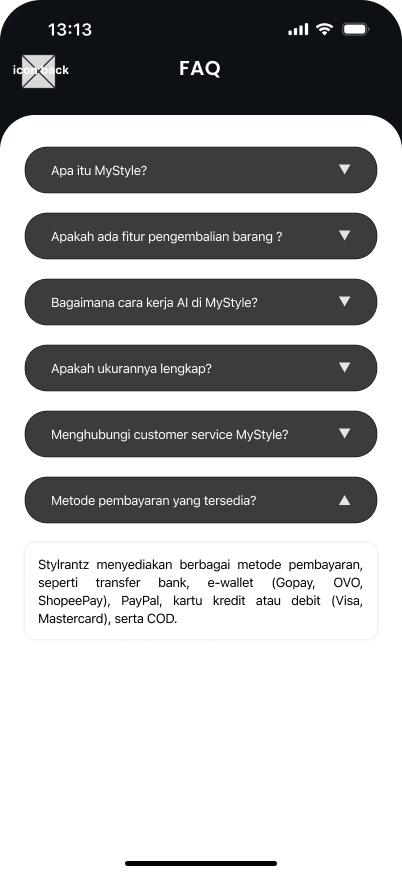
I designed dozens of barebones, low-fidelity wireframes. This stripped away subjective conversations about colors or styling, allowing me to focus 100% on usability and content hierarchy.
Phase 05 / Flow Mapping
Wireframe +
Flow Diagrams
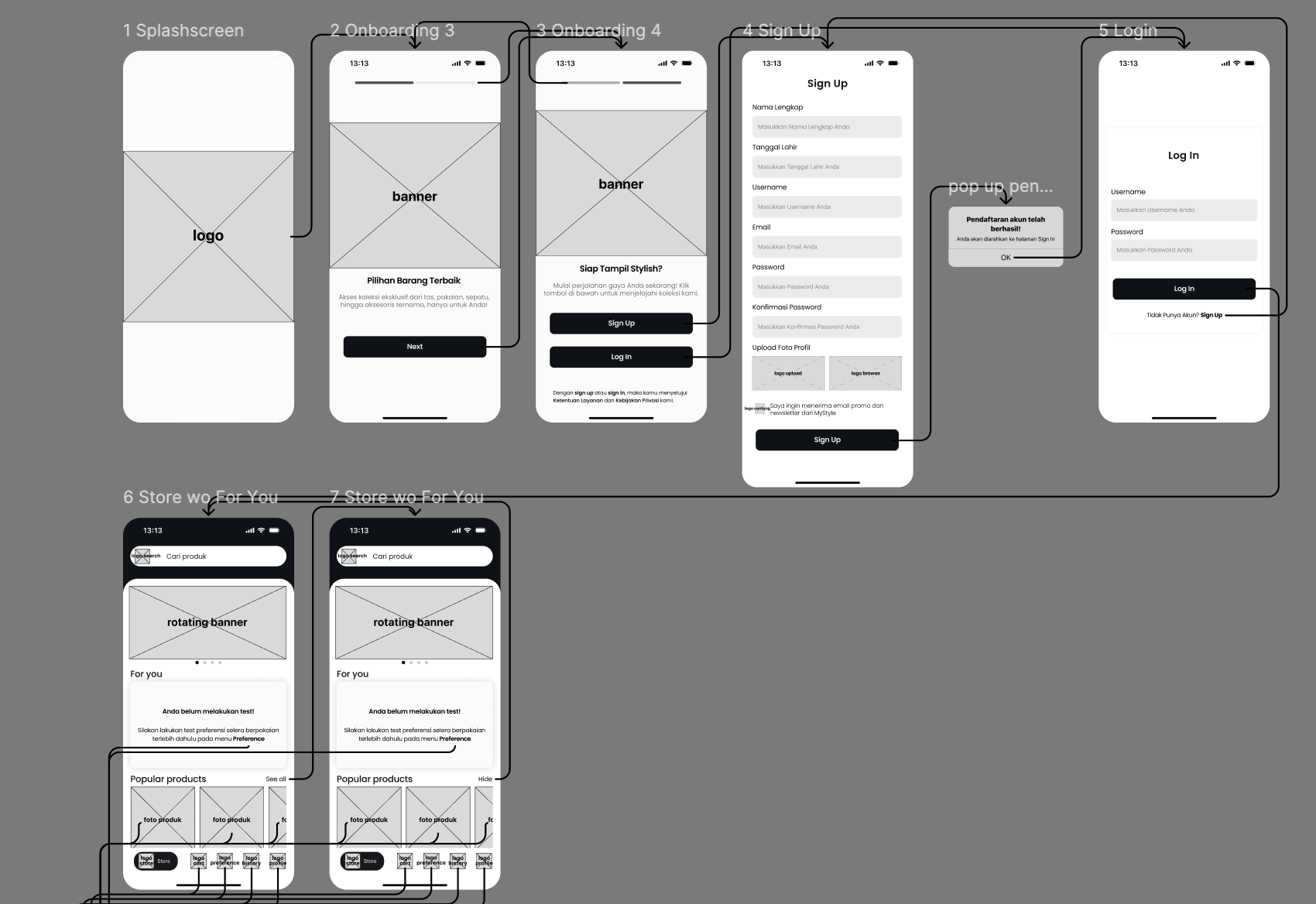
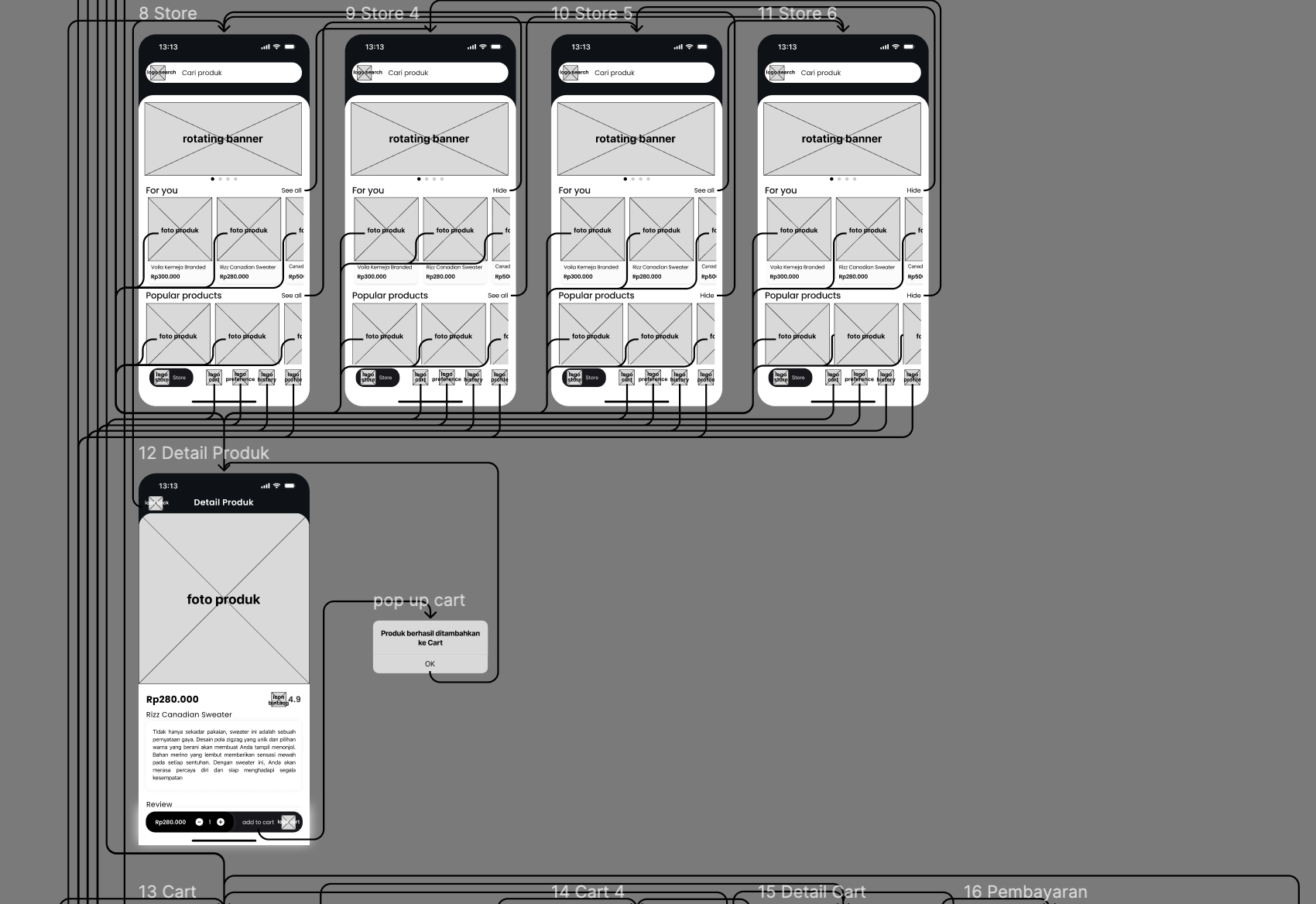
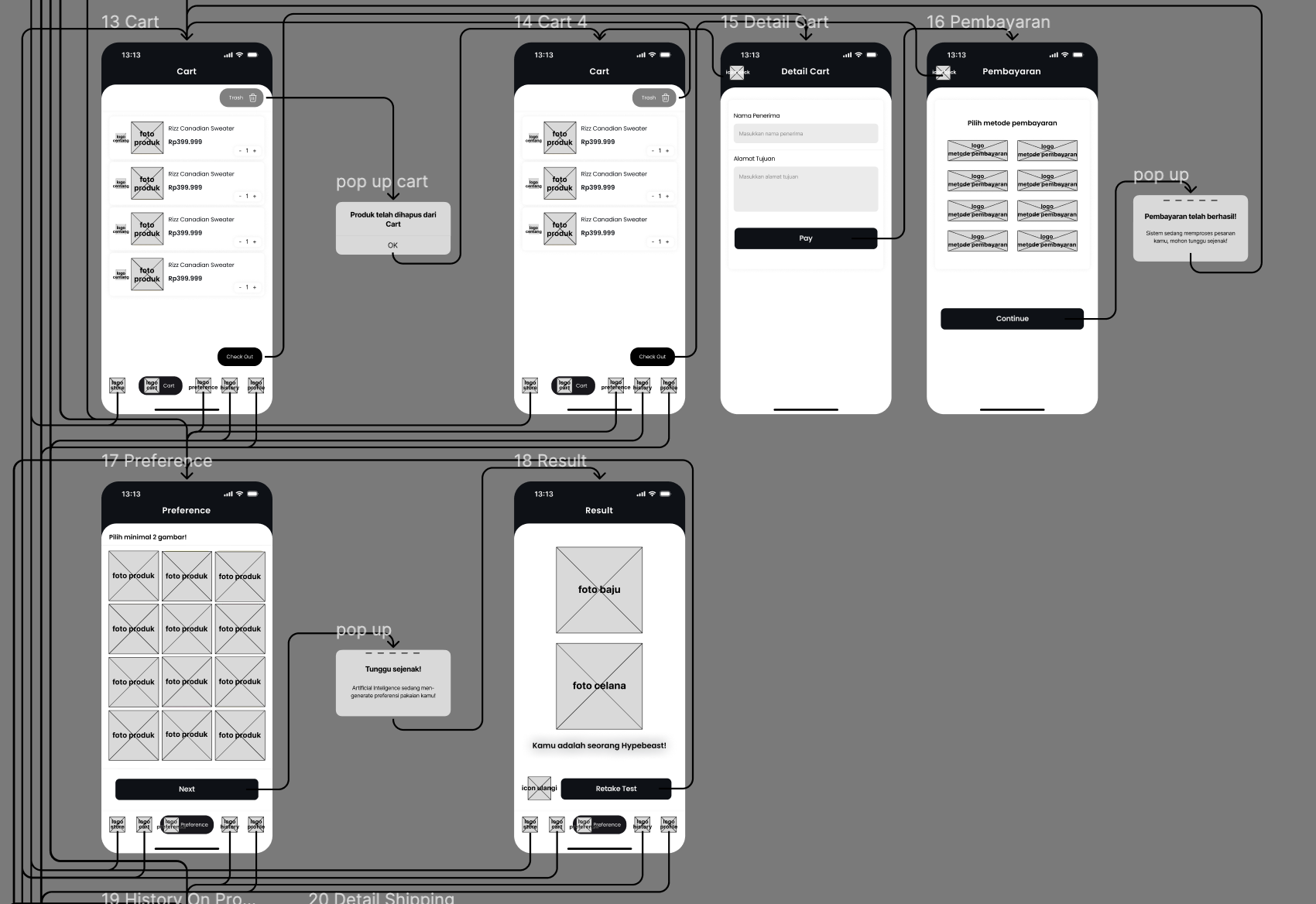
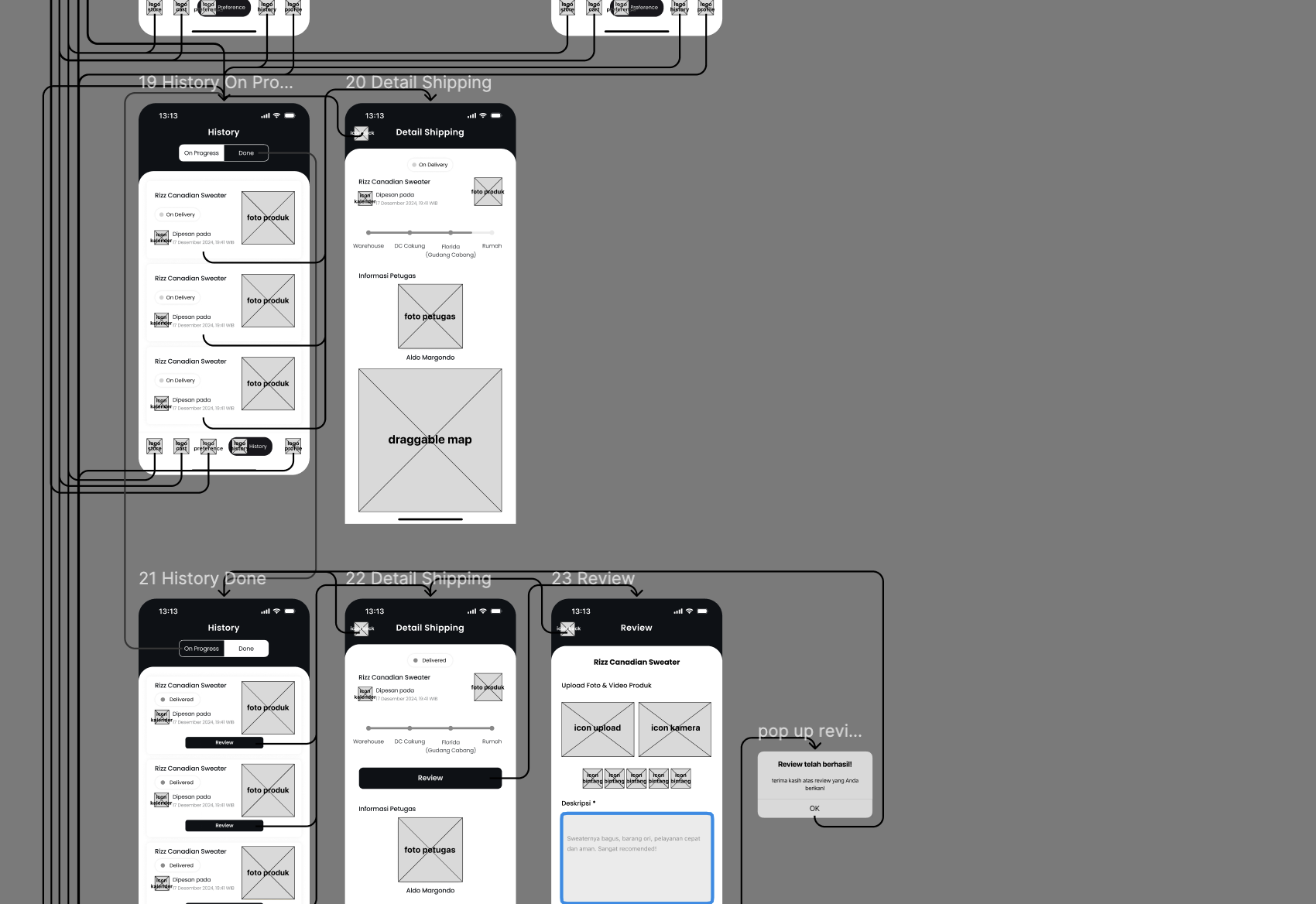
I mapped the individual wireframes back into holistic user flows. This ensured that error states, empty states, and transition points were fully accounted for before moving to visual design.
Phase 06 / Final UI
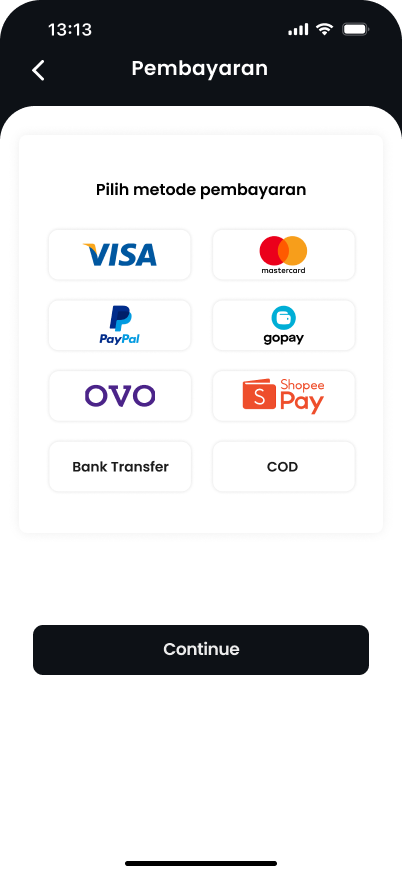
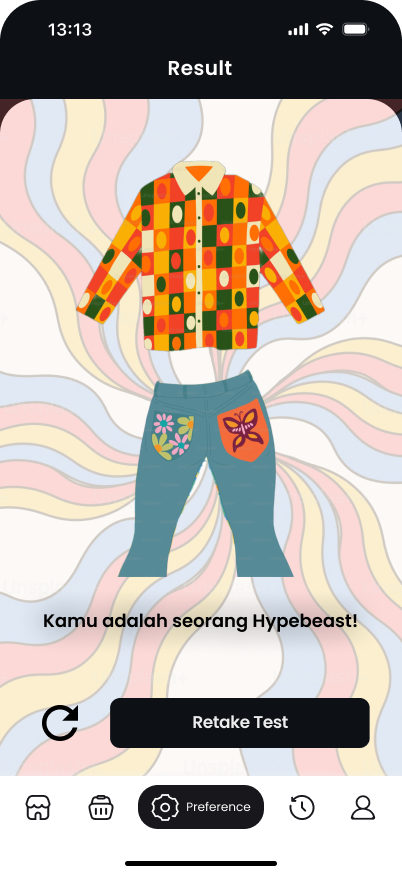
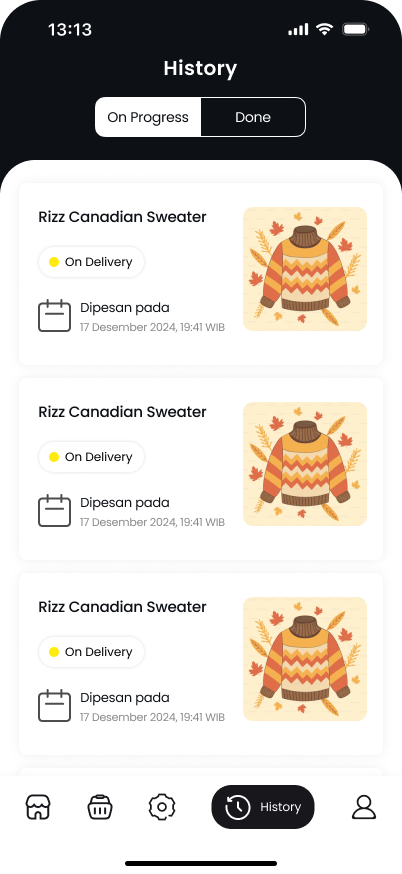
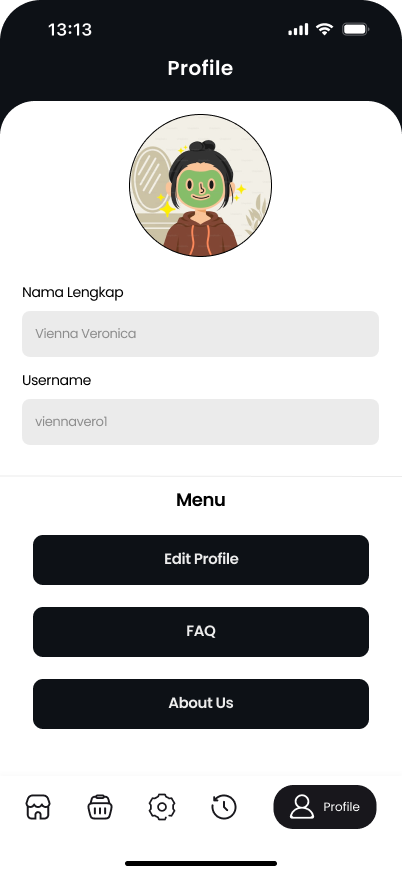
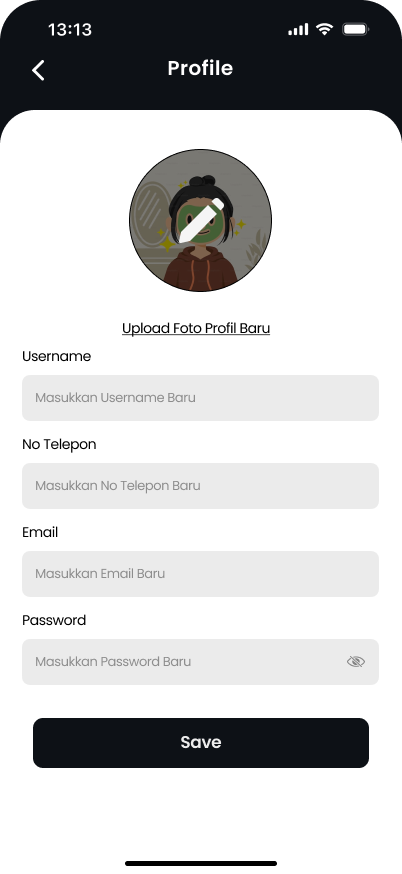
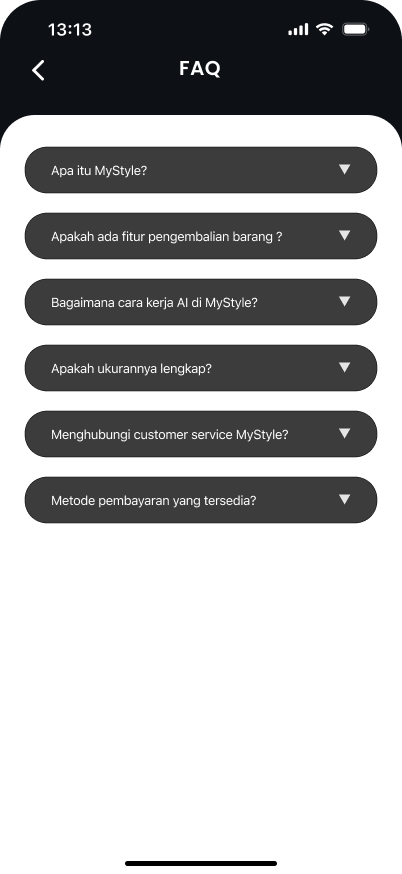
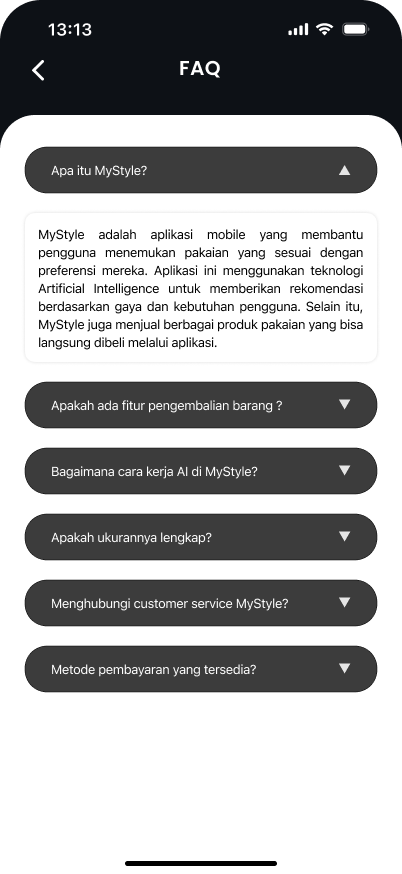
Hi-Fi Screens
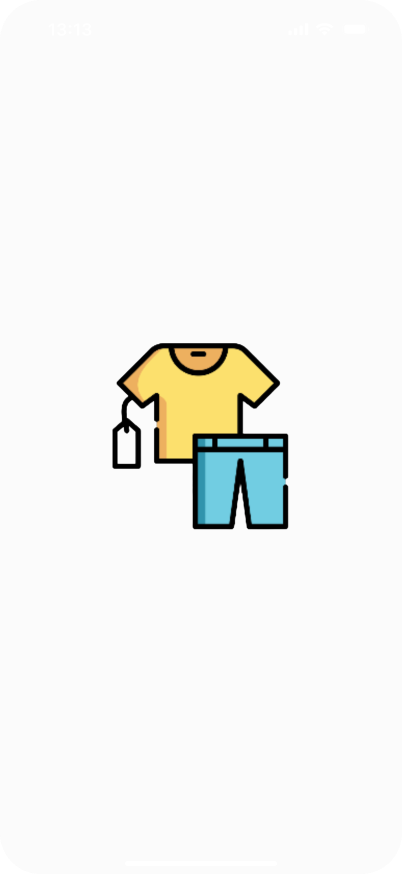
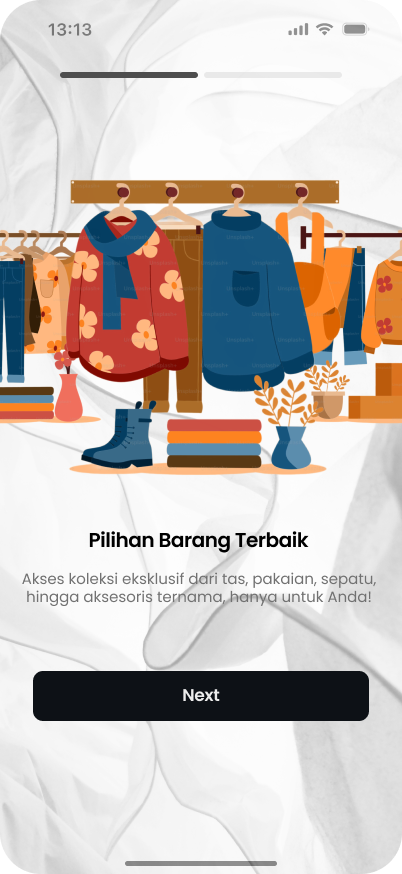
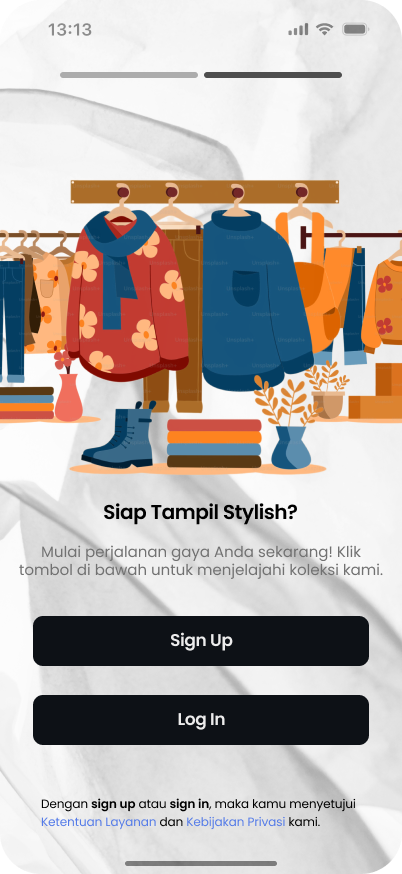
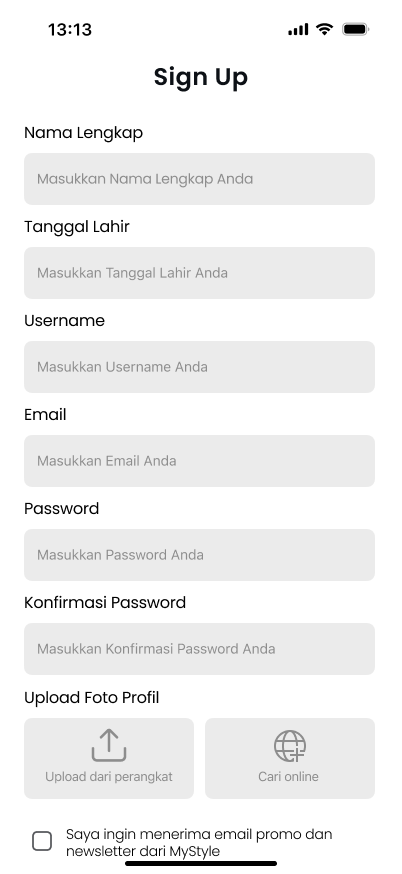
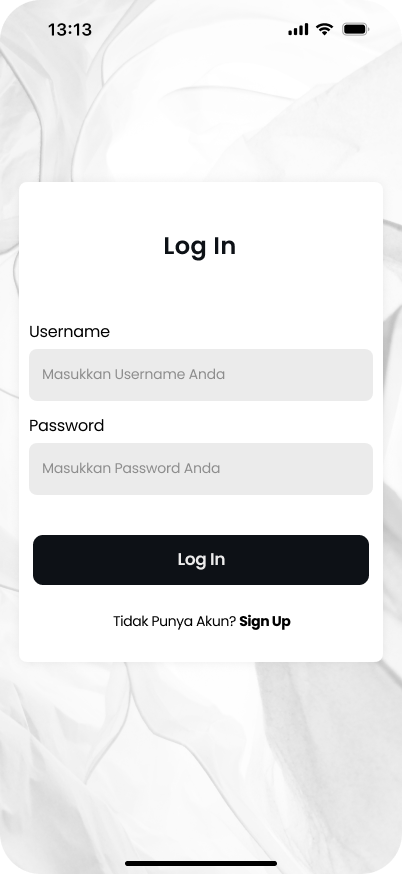
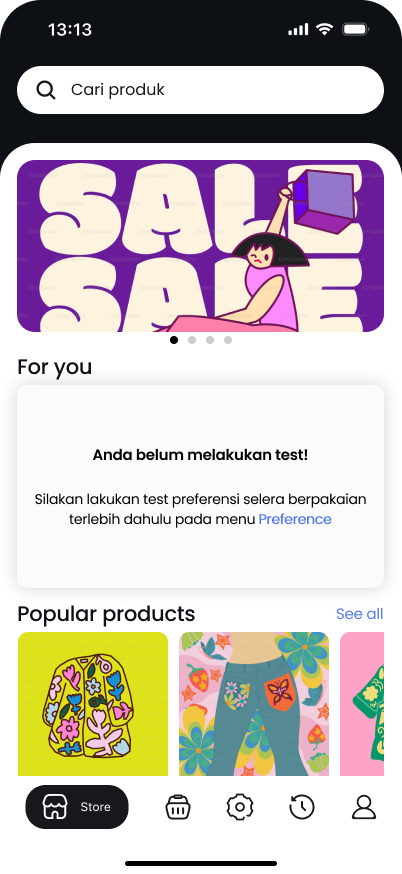
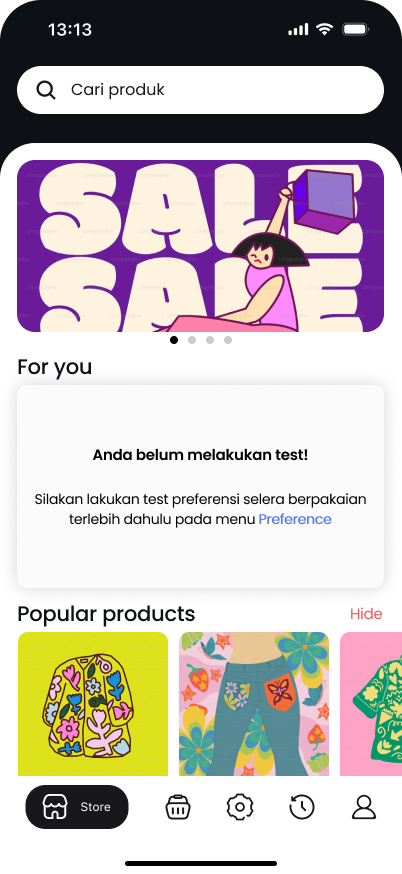
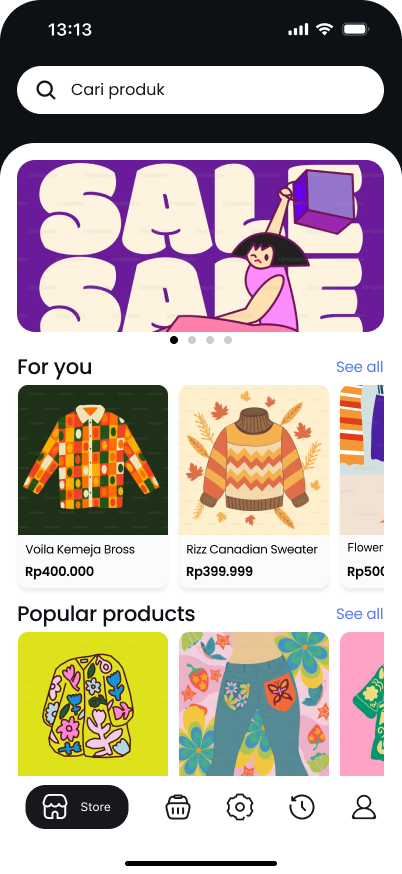
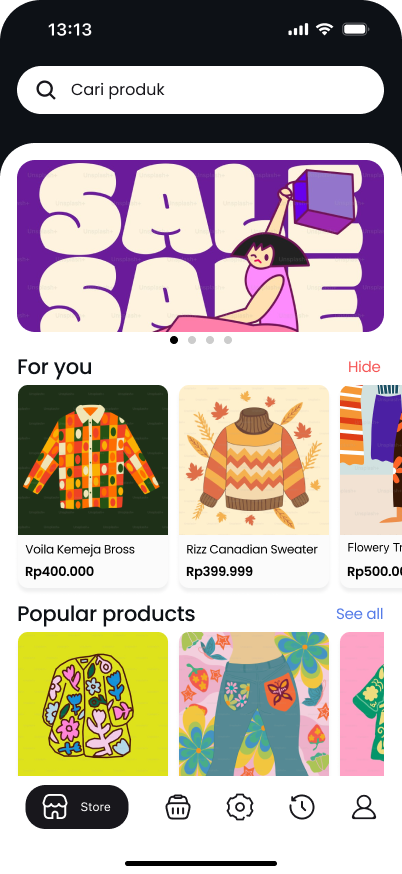
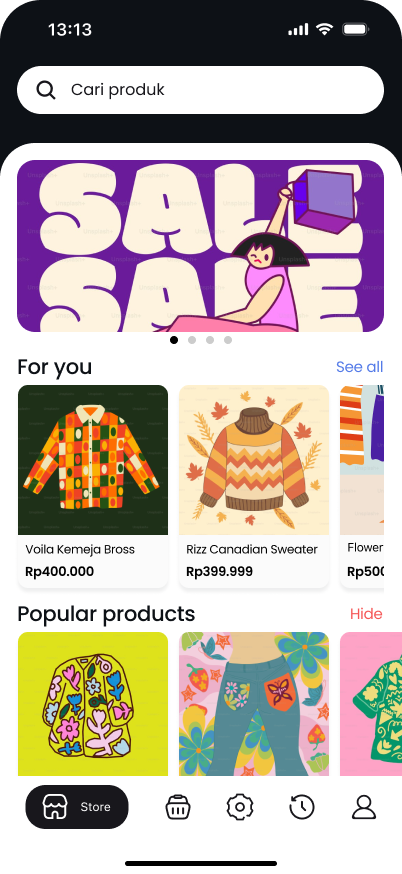
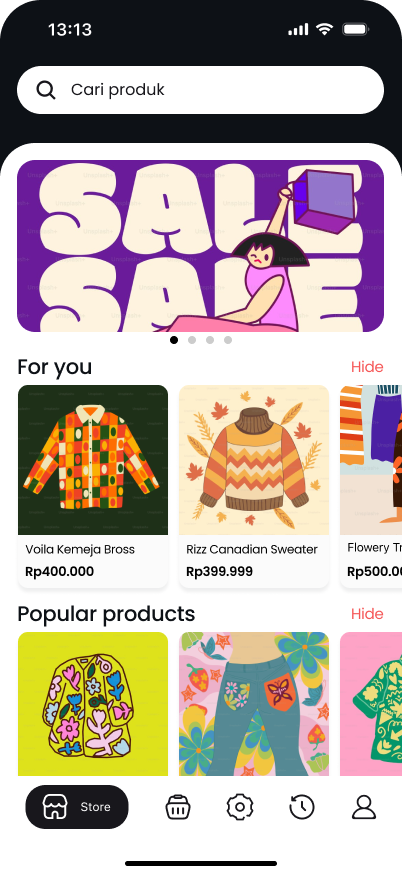
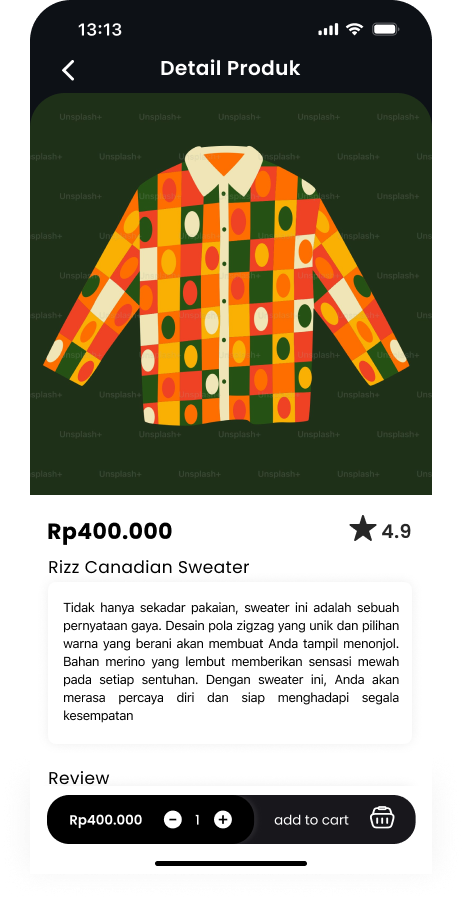
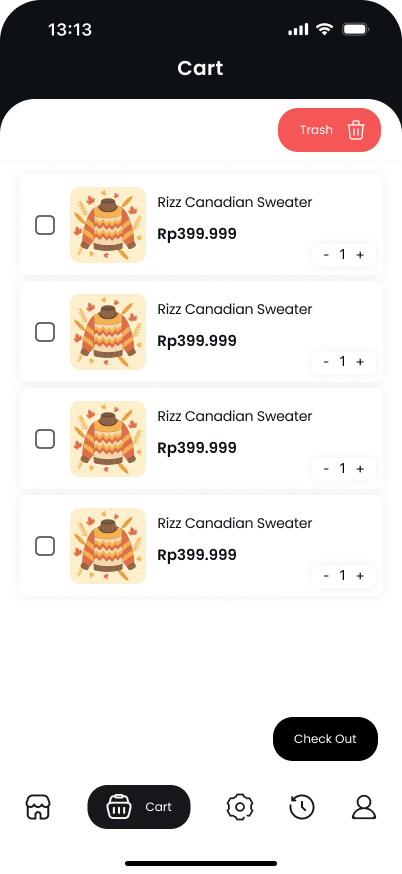
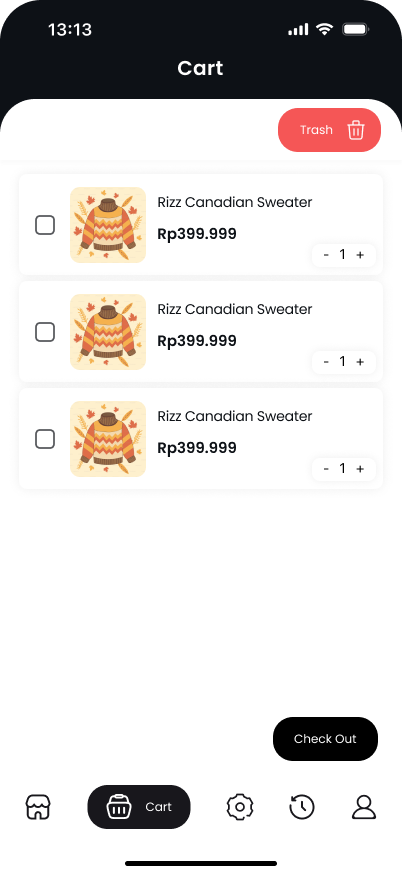
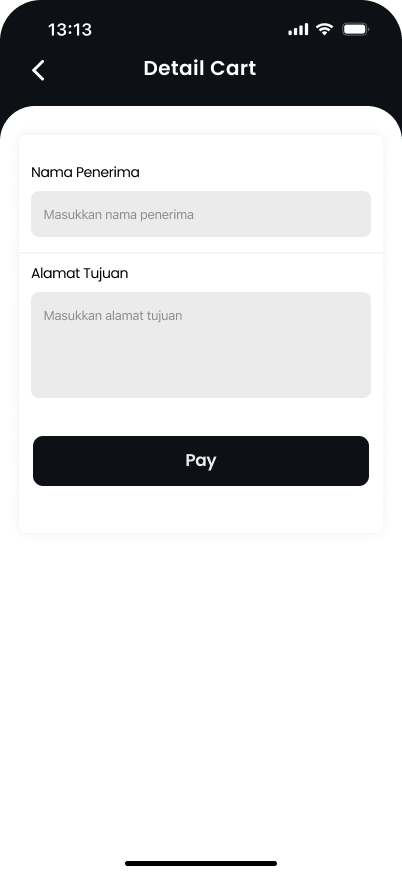
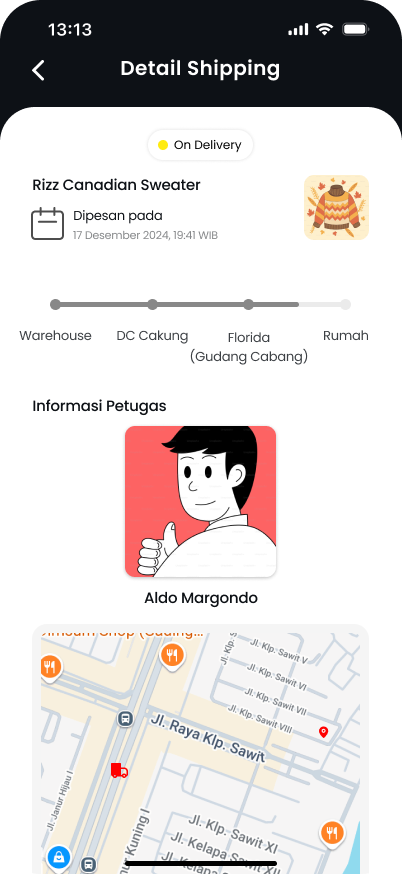
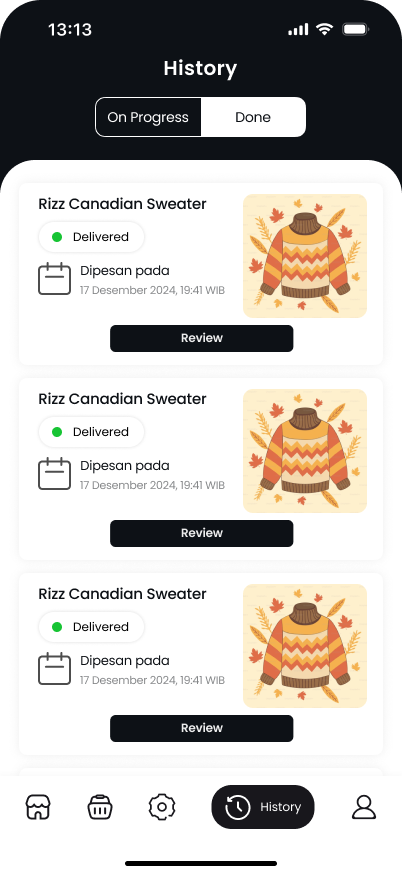
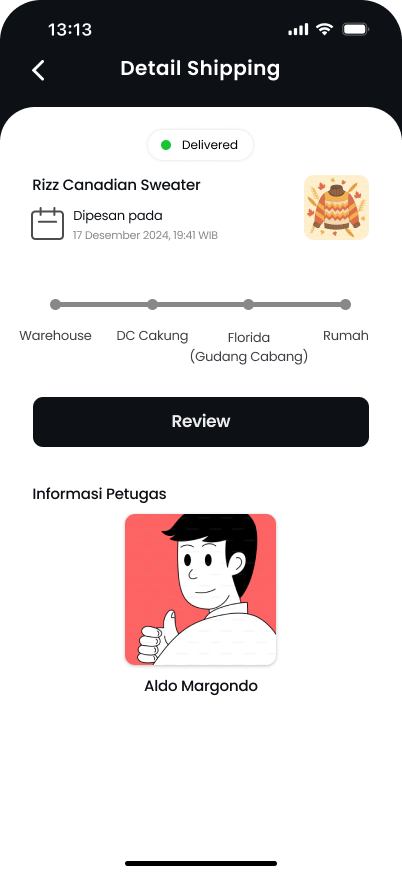
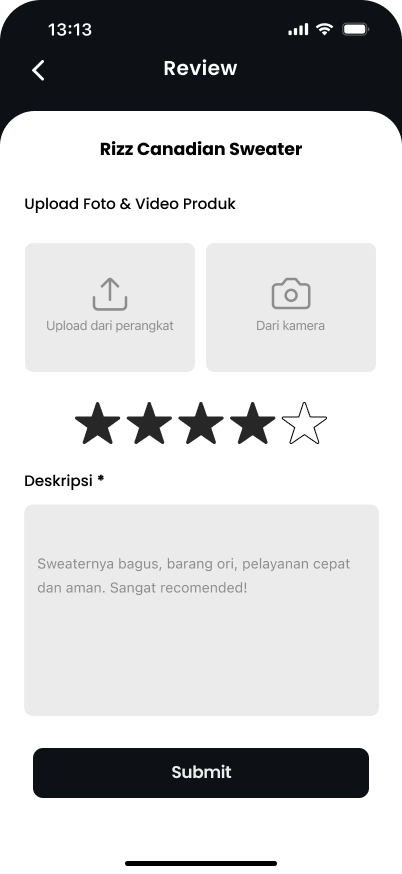
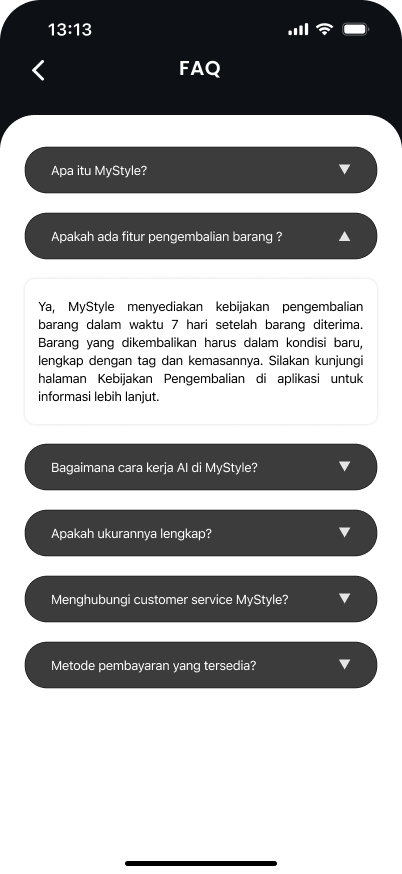
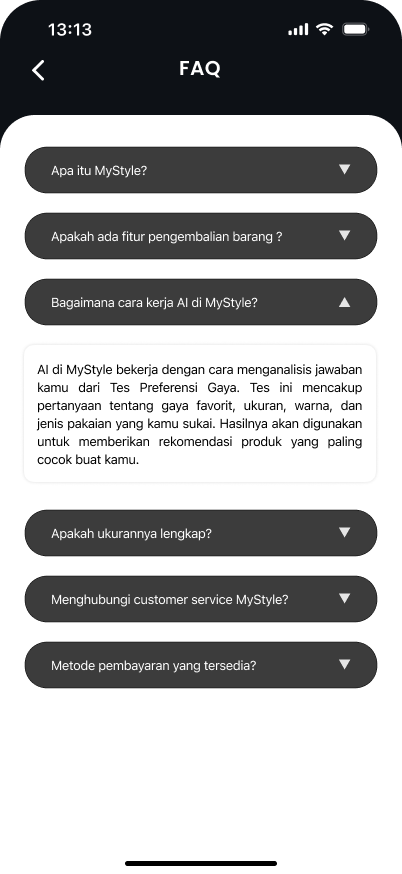
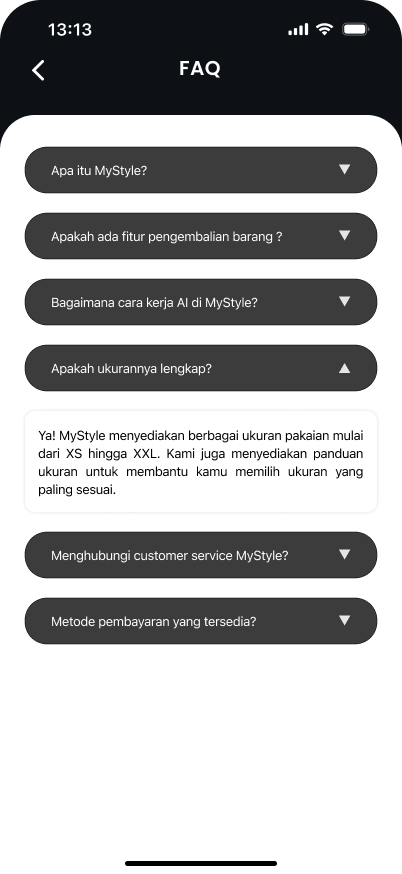
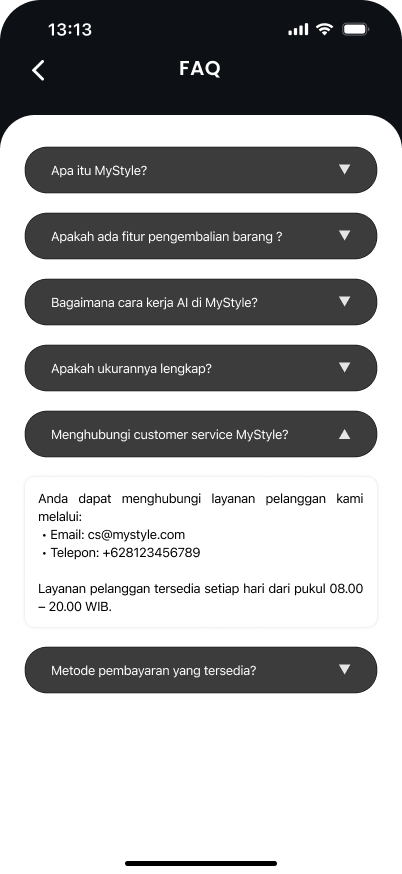
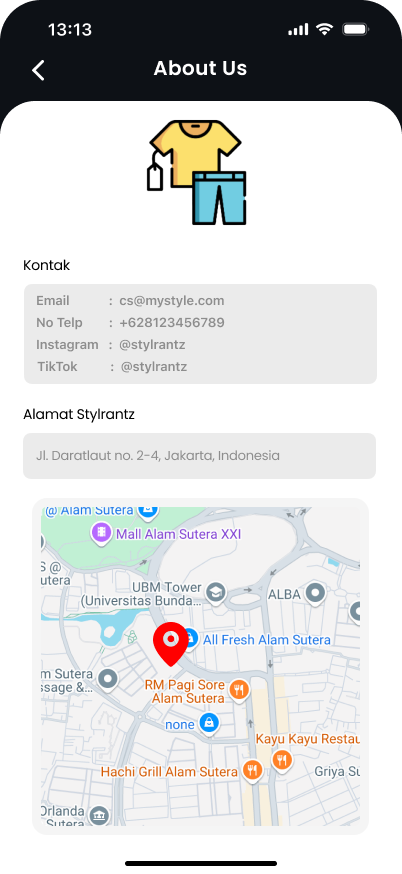
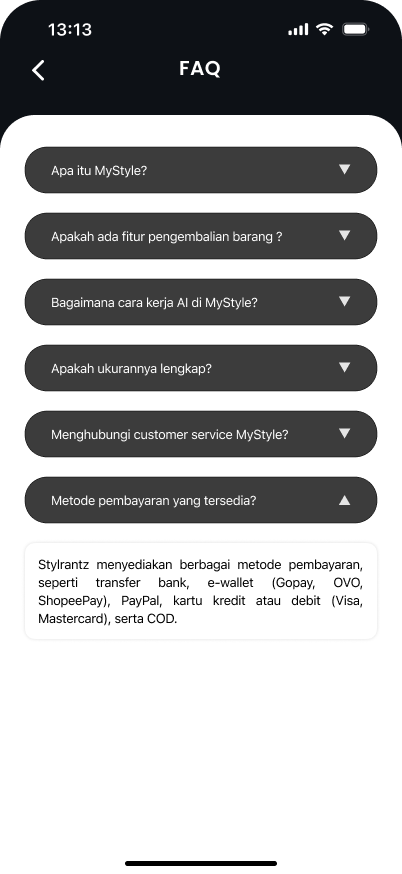
I crafted the final high-fidelity UI using Figma, establishing a comprehensive design system. Users needed to see realistic outfit combinations, so I designed a precise auto-layout layering system across 30+ screens.
Phase 07 / Delivery
Interactive Prototype
All screens were linked together into a massive, fully interactive prototype in Figma to simulate the end-to-end shopping and styling experience for user testing.
Figma Prototype
Interactive Hi-Fi Design File
Validation & Outcome
15+
User Testers
Validated the core outfit-building loop.
40+
Hi-Fi Screens
Designed and prototyped in Figma.
87%
Task Completion
In final moderated usability testing.